

What Does “You Print” Really Mean for Notebooks?
You’ve got a stack of plain notebooks. You want your logo on them. But the question is — how do you print? It sounds simple, but once you get into the details, it’s a headache. Paper type, ink, placement, binding — everything matters. I’ve seen buyers get it wrong more times than I can count.
When you print on notebooks, you’re not just stamping a logo. You’re making a statement. And whether you’re ordering 200 diaries or 50,000 notebooks, the process matters. Let me walk you through it. If this sounds familiar, Sri Rama Notebooks has been helping people figure this out since 1985.
The Two Main Ways You Print on Notebooks – Offset vs Digital
Most of the time, the first question buyers ask is: “Which printing method should I use?” Honestly, it depends. There are two workhorses in this industry — offset printing and digital printing. They’re not the same. At all.
Here’s a quick comparison to help you decide when you print your next batch:
| Feature | Offset Printing | Digital Printing |
|---|---|---|
| Best for volume | 500+ copies | Under 500 copies |
| Cost per unit | Goes down with quantity | Stays about the same |
| Setup time | 1–2 days (plates needed) | Minutes |
| Color accuracy | Very high (Pantone matched) | Good but limited |
| Paper compatibility | Almost any GSM | Best for standard paper |
| Customization per copy | Same design per run | Variable data possible |
Think about it this way: offset is for when you want the same thing many times and want it cheap per piece. Digital is for short runs or when every notebook needs a different name. Both have their place. The trick is knowing which fits your order.
Common Mistakes When You Print Logos – And How to Avoid Them
Let me tell you about Ravi. He’s 42, procurement manager at a school in Rajahmundry. Last year, he ordered 2,000 notebooks with the school crest. When they arrived, the logo was off-center — almost touching the spiral binding. He was furious. But here’s the thing: the file he sent didn’t have proper bleed margins. Nobody told him.
So when you print a logo on a notebook cover, watch out for these three things:
- File format: Always send vector files (AI, EPS, PDF) — not JPEGs from your phone.
- Bleed area: Your design should extend 3mm beyond where the cover is cut. Otherwise, white edges appear.
- Paper GSM: Thicker paper (like 300 GSM covers) absorbs ink differently. Ask for a proof.
Most mistakes come from assuming printing works the same on paper as on a screen. It doesn’t. And honestly, that gap catches everyone off guard.
What You Can Print – Beyond Just Logos
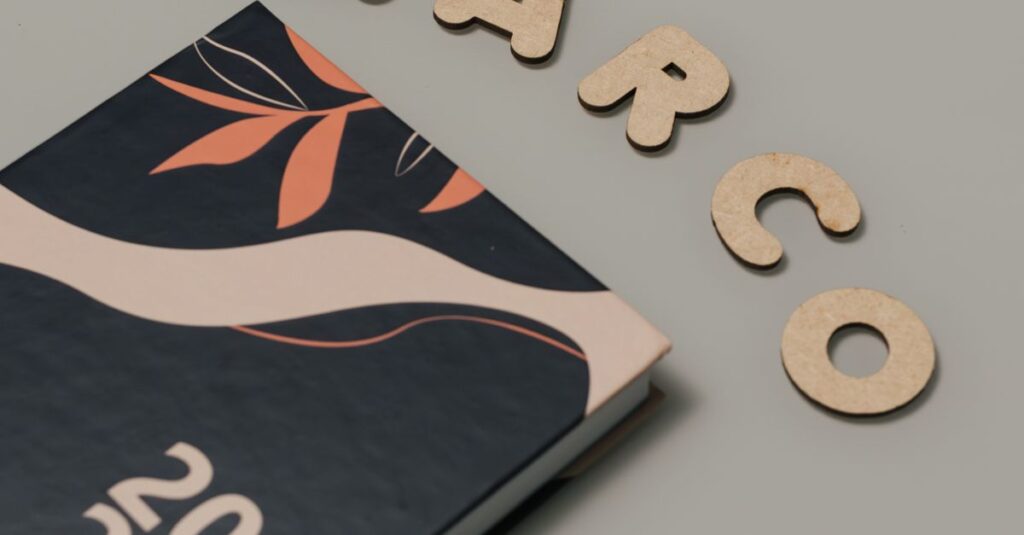
When people hear “you print,” they usually think of a logo in the corner. But there’s so much more. You can print full-bleed cover designs, foil-stamped lettering, embossed graphics, even textured patterns. At our factory, we’ve done corporate diaries with a company’s entire annual report printed on the inside cover. It’s not just decoration — it’s communication.
Here’s a list of what’s possible when you print custom notebooks with us:
- Logo on front cover (single or multiple colors)
- Full-color cover artwork
- Foil stamping (gold, silver, copper)
- Embossing / debossing
- Custom inner sleeve or bookmark
- Private label branding (your name on the back cover)
I’ve seen schools print their entire discipline code inside the front cover. That’s smart — it’s functional and permanent. The point is: don’t limit yourself. When you print, the only limit is what the printer can handle.
Expert Insight
I remember a client from Hyderabad — he insisted on digital printing for 15,000 notebooks because he thought offset was old-fashioned. We sat down, I showed him the cost breakdown. Offset would save him 40%. He still didn’t believe it. So we printed a test sheet on both machines. He saw the smudging on the digital copy. Then he agreed. I don’t think he admitted I was right, but the order went offset. That happens more than you’d think.
How to Ensure Quality When You Print in Bulk
The moment you place a bulk order, you’re trusting someone else’s machines. Here’s how to make sure the result matches your expectations:
- Ask for a physical sample — not a digital mockup. Lighting on screen lies.
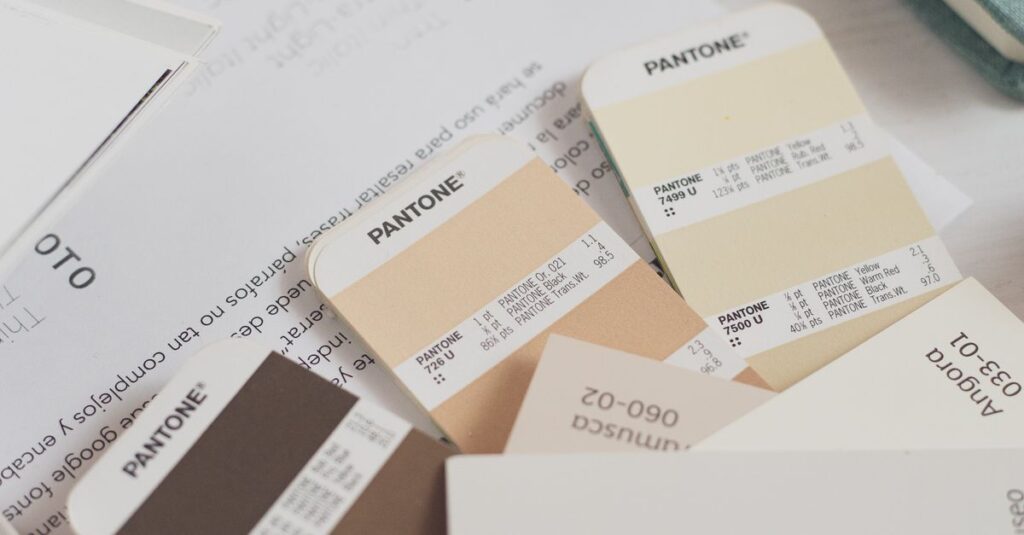
- Check the color proof — Pantone numbers are your friend.
- Request a test run — even 50 units can reveal issues before 5,000 do.
I know it sounds tedious. But the worst feeling is getting a pallet of notebooks where the print is faded or misaligned. One buyer told me he had to reprint 3,000 diaries because the company he hired used cheap ink that bled after a month. That’s a loss you don’t recover from.
When you print through a manufacturer with experience, they catch these problems before you do. At least, they should.
Frequently Asked Questions
Frequently Asked Questions
What file format should I use when you print notebooks?
Send vector formats like AI, EPS, or high-res PDF. Avoid JPEG or PNG if you can — they pixelate when scaled. If you only have a PNG, send the largest size possible.
Can you print on both sides of the notebook cover?
Yes, but it costs more. Most manufacturers print only the front cover by default. If you want inside cover or back cover printed, mention it upfront. We do it all the time for corporate diaries.
How long does it take when you print custom notebooks?
Typically 10–15 business days for offset printing, longer for foil or embossing. Digital can be faster — 5–7 days. Bulk orders (10,000+) may need 20+ days. Always confirm lead time before ordering.
Is there a minimum quantity when you print on notebooks?
For offset printing, minimum is usually 500 units because of plate setup. Digital printing has no minimum — some manufacturers accept 50. But the per-unit cost will be higher for small runs.
How do I make sure the color matches my brand when you print?
Provide Pantone PMS numbers for exact matching. Request a wet proof (actual printed sample) before full production. Do not rely on screen colors — they are never accurate. We always send a proof before going ahead.
Final Thoughts
Here’s what I want you to remember. When you print custom notebooks, the method matters more than you think. Offset for volume, digital for speed. Always test before you commit. And find a manufacturer who treats your logo like their own — not just another ink job.
I don’t think there’s one perfect way to do this. Probably never will be. But if you’re serious about getting it right, start by talking to someone who’s been doing it for four decades. That’s usually a safe bet.
If you want to explore options for your next order, visit Sri Rama Notebooks. We’ve been helping schools, colleges, and corporations print their ideas on paper since 1985.