

What Does “All Printing” Actually Mean in Stationery?
I had a call last week with a procurement manager from Mumbai. He said, “We need all printing done — covers, inside pages, logos, everything.” And I realised something. People use this phrase all the time, but nobody really stops to define it.
So let me be blunt: all printing in the stationery world covers three main things — offset printing for bulk runs, digital printing for short runs and complex designs, and specialty printing like foil stamping or embossing. That's it. If someone tells you they handle all printing and doesn't explain the difference between these, be careful. Not all printers are the same.
I'm not saying this to scare you. I'm saying this because I've seen too many bulk buyers order 10,000 notebooks thinking they got the best deal — and then the logo peels off after a month. That happens when you don't understand what all printing really includes. At Sri Rama Notebooks, we've been doing this since 1985. So here's the honest breakdown.
Offset Printing: The Workhorse of Bulk Notebooks
If you're ordering 5,000 notebooks or more, offset printing is probably what you need. It's not flashy. It's not complicated. But it's the most reliable method for consistent quality at scale.
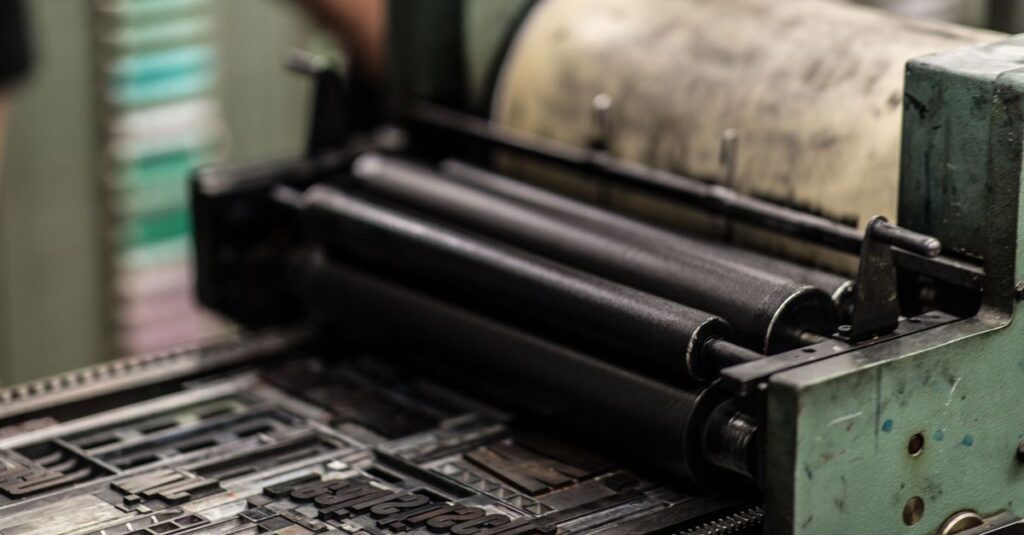
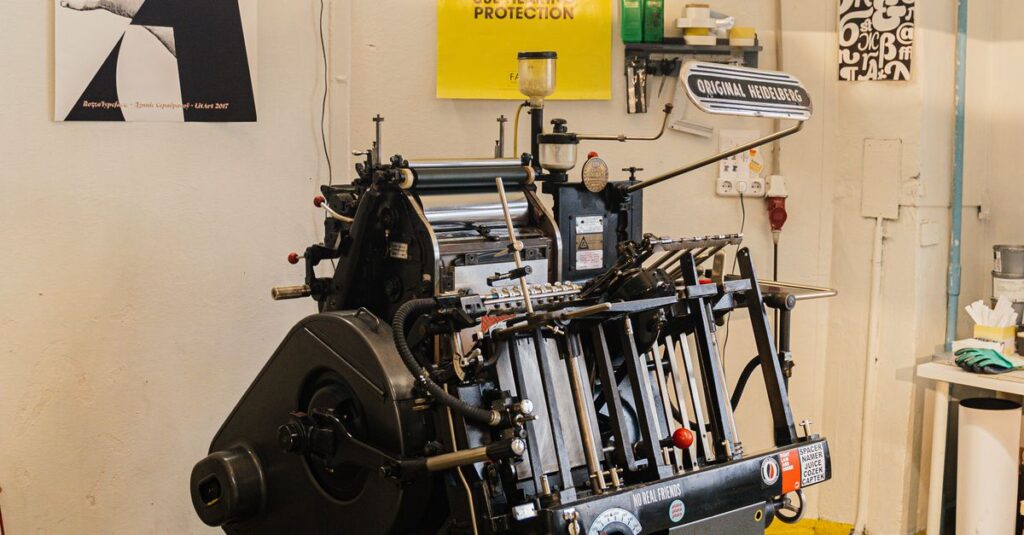
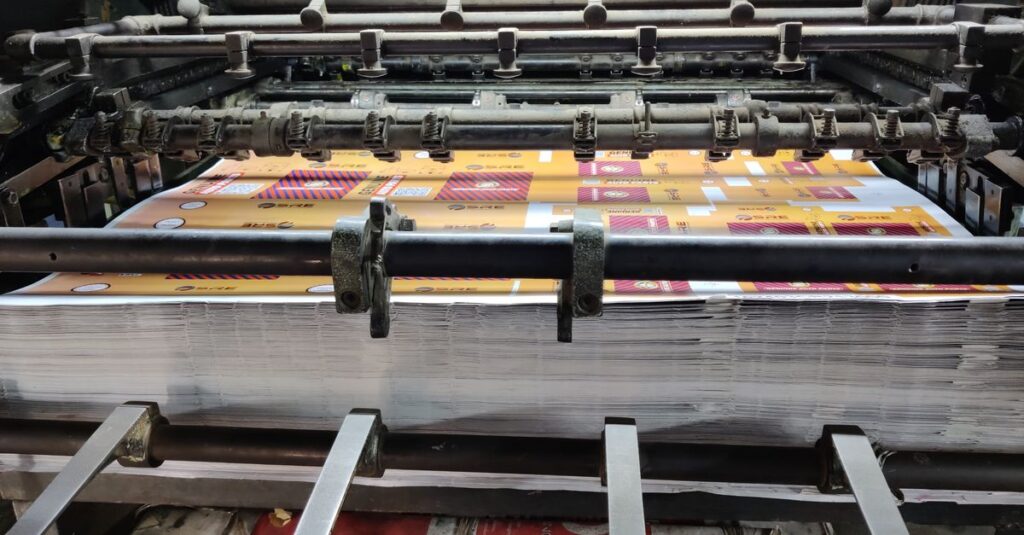
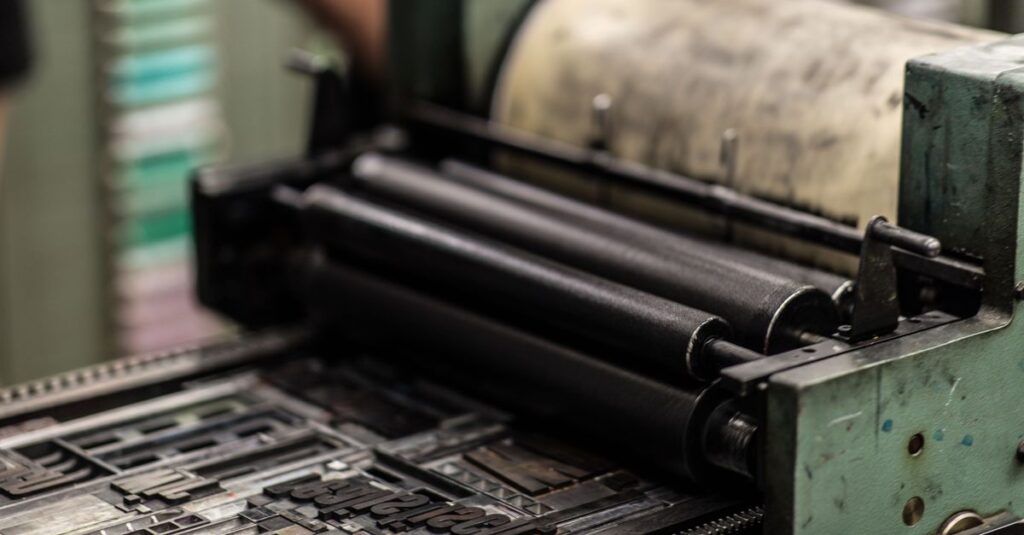
Here's how it works: an image is transferred from a metal plate onto a rubber blanket, then onto paper. The setup takes time — maybe a couple of hours — but once it's running, it prints fast. Really fast. We produce 30,000 to 40,000 notebooks a day at our factory in Rajahmundry, and offset is the backbone of that output.
The quality? Sharp, clean, and durable. The ink sits on top of the paper instead of soaking in, so text stays readable even after months of use.
But here's the catch. Offset isn't great for small orders. If you only need 500 notebooks with five different cover designs, the setup cost will eat you alive. You're better off with digital at that point.
Expert Insight
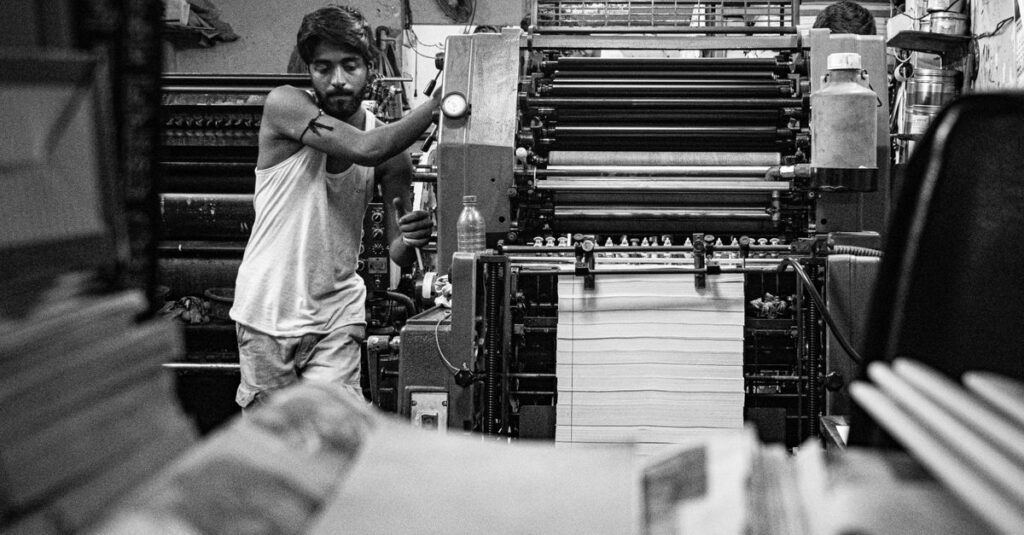
I remember going to the factory floor one evening — it was hot, around 5pm, and one of the senior operators was walking me through an offset press that had been running for 14 hours straight. He pointed at the printed sheets coming out and said, “You see that sharpness? That's not magic. That's pressure. Two tonnes of it, pressing the image perfectly.”
I think about that a lot. Publishing relies on force — literal mechanical force — not just design. Offset printing is brutal engineering, and that's why it works.
Digital Printing for Custom Short Runs
Digital printing is the opposite of offset. No plates. No long setup. You send a PDF, the machine prints it. Simple.
This is what you need if you're ordering corporate diaries with different department names. Or school notebooks with personalised student names on each cover. Or private label notebooks for a small brand run.
The downside: cost per unit is higher than offset. If you're ordering 10,000 identical notebooks, digital doesn't make sense. But for orders under 1,000, it's your best option.
Most people don't know this — but digital printing also gives you better colour accuracy for photo-heavy designs. Offset can struggle with gradients and skin tones. Digital handles them naturally.
But you know what the real problem is? Many buyers come to us and say “I want all printing” without asking which method we'll use. That's like saying you want a vehicle without specifying if you need a truck or a scooter.
I'm not sure why this happens so often. Perhaps because printing sounds simple. It isn't.
Specialty Printing: Foil Stamping and Embossing
Let me tell you about Sunita. She's 34, a marketing manager at a pharma company in Hyderabad. She ordered 2,000 corporate diaries last year — plain white covers, just the company logo. They looked fine, but nobody really cared. This year, she asked for foil-stamped logos on black covers. The metallic gold against the dark background? Completely different reaction. People started using the diaries. Some even kept them on their desks.
That's the thing about specialty printing. It doesn't just make things look expensive. It changes how people treat the product.
Foil stamping uses heat and pressure to apply metallic foil onto paper. Gold, silver, copper, even holographic. It's not cheap — adds about 15-20% to the cost — but for corporate gifts or premium products, it's worth every rupee.
Embossing creates a raised impression on the cover. No ink, no foil. Just the paper pushing upward in a specific shape. This works beautifully for account books or legal diaries where you want a professional, understated look.
And debossing? That's the opposite — the design is pressed into the paper, creating a sunken effect. Both are durable and don't wear off over time.
Offset vs Digital vs Specialty: A Comparison Table
| Feature | Offset Printing | Digital Printing | Specialty (Foil/Emboss) |
|---|---|---|---|
| Best for | Bulk orders (5,000+) | Short runs (100-2,000) | Premium / gift products |
| Setup cost | High (plates & time) | Low (no plates needed) | Moderate (die creation) |
| Cost per unit | Low for large quantities | Higher per unit | High (15-20% extra) |
| Colour accuracy | Good for solid colours | Excellent for photos | Limited to foil/raised design |
| Turnaround time | 2-3 weeks | 5-7 days | 1-2 weeks |
| Durability | Excellent (ink sits on surface) | Good (ink absorbs into paper) | Excellent (physical impression) |
| Customisation per piece | Not possible | Easy (variable data) | Limited to one design |
And honestly? Most printers won't show you this table. They just give you a single price and say “we handle all printing.” That's a red flag.
The Part Nobody Talks About: Paper and Binding Matter More Than Ink
Look, I'll say it bluntly. You can have the best offset machine in the world and the most expensive foil. But if the paper is poor quality or the binding falls apart in a week, it doesn't matter.
I've seen corporate buyers spend ₹50 per notebook on foil stamping, and then choose the cheapest 50 GSM paper to save money. Sounds logical, right? Except thin paper makes foil look dull. The heat press that stamps the foil also damages low-quality paper. You end up with a beautiful logo on a torn cover.
What most people don't realise is that all printing is a system. It's not just the ink. It's the paper weight, the binding thread, the glue temperature, the cover thickness. Everything works together.
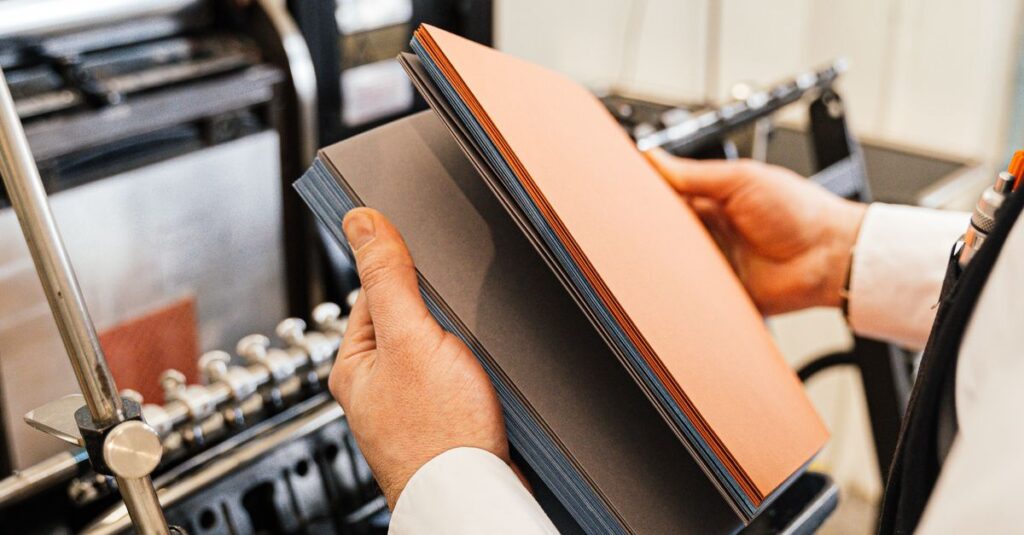
We use 54 GSM paper as standard in our notebooks. It's thick enough for fountain pens without bleeding, but thin enough to keep the book portable. For account books, we go up to 70 GSM. For corporate diaries, we use 80 GSM. The printing machine settings change for each one.
I don't have a clean answer for why so many buyers overlook this. Maybe because paper feels boring compared to design. But boring wins the race.
Here's something I noticed while walking through the factory last month. The guy running the perfect binding machine had his hand on a stack of notebooks, pressing down gently. Checking the glue spread with his fingertips. Not a machine doing it — a human hand. That kind of attention can't be automated.
Common Mistakes Buyers Make with Printing Orders
I've been doing this long enough to see the same patterns repeat. Here are the biggest ones:
- Asking for “all printing” without specifying quantities — A printer can quote you anything if you don't tell them the volume. Offset for 500 units? You'll overpay. Digital for 10,000? You'll overpay differently.
- Not requesting a proof before production — I can't tell you how many times a buyer has approved a digital mockup on screen, then rejected the physical print because “the blue looks different.” Paper reflects light differently than screens. Always ask for a physical proof.
- Choosing the wrong binding for printing — If you're printing on the inside of a spiral-bound notebook, the paper has to turn 360 degrees. That affects how the spine area is printed. Perfect-bound books have a different margin requirement. Your printer should tell you this. If they don't, find another printer.
- Ignoring bleed area — A design that goes edge-to-edge on screen needs 3mm extra on each side in print. Otherwise you'll get a white border.
These sound small. They're not. They're the difference between a batch you're proud to distribute and a batch you hide in the storeroom.
Frequently Asked Questions
What is the difference between offset and digital printing?
Offset uses metal plates and is better for large quantities — 5,000 units or more. Digital prints directly from a PDF with no setup, making it ideal for short runs under 2,000 units. Offset has lower per-unit cost at scale, while digital offers faster turnaround and variable data customisation.
Can I get custom logo printing on notebooks for my company?
Yes. We offer custom logo printing using offset, digital, or foil stamping depending on your quantity and design. For corporate diaries and company-branded notebooks, foil stamping on the cover gives a premium look. Email us at support@sriramanotebook.com with your design file for a quote.
What does “all printing” typically include in stationery manufacturing?
In the stationery industry, all printing usually means cover printing, inside page printing (ruling or text), and sometimes specialty finishes like foil stamping or embossing. It can also include packaging printing if specified. Always confirm with your supplier exactly what processes are included in the price.
How long does it take to print and deliver bulk notebooks?
For offset printing on 5,000 notebooks, expect 2-3 weeks including drying time and binding. Digital printing for smaller orders takes 5-7 days. Export orders may take 4-6 weeks depending on shipping. We recommend requesting a physical proof first, which adds 2-3 days to the timeline.
What paper quality works best for printed notebooks?
54 GSM paper is standard for most school notebooks and diaries. It provides smooth writing without ink bleeding. For premium corporate diaries or account books, use 70-80 GSM. Higher GSM paper also holds print colours better, especially for full-colour cover designs.
I don't think there's a perfect answer here. Probably there isn't. The right choice depends on your budget, quantity, and what you actually want people to feel when they open that notebook. But if you've read this far, you already know that “all printing” isn't a simple checkbox. It's a conversation. And you deserve to have that conversation with someone who's been doing it for nearly four decades. Contact us at Sri Rama Notebooks when you're ready to talk specifics.