

Introduction
You've been asked to order notebooks for your school or company. Someone says, “We need color print copy on the cover.” And you nod like you know exactly what that means. Except you don't. Not really. I've talked to enough procurement managers to know that this phrase gets thrown around a lot — and most people are just guessing. Color print copy isn't complicated. But if you get it wrong, you end up with notebooks that look cheap or fade after a month. That's a headache nobody needs. So let me break it down for you — the way I wish someone had done for me years ago. If this sounds familiar, Sri Rama Notebooks has been doing this since 1985.
What Exactly Is Color Print Copy?
Here's the simplest way to think about it. Color print copy is just the printed image — the design, the logo, the text — that goes onto your notebook cover using colored inks. Not black and white. Not a single spot color. Full color. Like a photo or a gradient. The kind of print that makes a notebook look like a real product, not a photocopy.
But here's where it gets tricky. The “copy” part can mean two things. Sometimes it means the physical printed sheet you get as a proof. Other times it means the actual printing process itself. In the notebook industry, when someone says “we need a color print copy,” they usually mean they want a full-color printed cover. And that changes everything — the cost, the paper, the machine, the turnaround time.
I've seen schools order color print copy for their annual diaries and then get upset when the colors don't match their brand guidelines. Because color matching is a whole different animal. You need to know what you're asking for.
What Makes It Different from Standard Black Print?
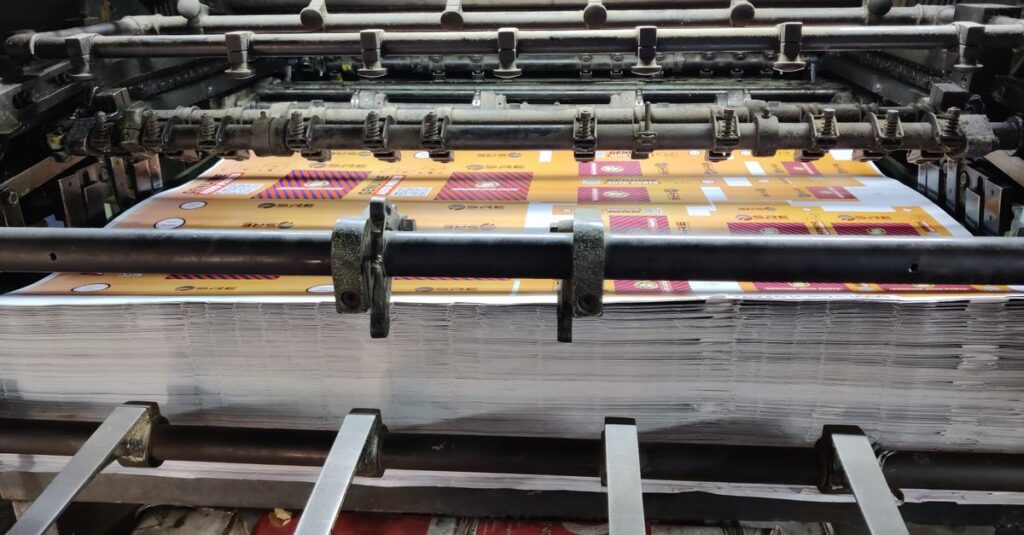
Black print is one plate. One ink. One pass through the press. Color print copy? You're looking at four plates — cyan, magenta, yellow, black. That's CMYK. Each color is a separate layer. If any of them is off by a hair, the whole thing looks muddy. That's why you can't just stick a JPEG on a cover and call it done. The file needs to be set up correctly, the paper needs to absorb the ink evenly, and the press operator needs to know what they're doing.
Honestly, most people don't realize how much goes into a clean color print copy. They think it's like printing from a home printer. It's not. It's industrial. And that's a good thing — because industrial printers can handle thousands of notebooks without losing quality.
Who Needs Color Print Copy — and Who Doesn't
Not every notebook order needs color print copy. I'll tell you that straight. If you're ordering notebooks for internal use — just for taking notes — a simple black logo on the cover is fine. Saves money. Gets the job done.
But if you're a school giving these to students, or a company handing them out at a conference, or a brand selling them in stores — then color print copy matters. It's the difference between “looks professional” and “looks like we ran out of budget.”
A Real Story
Let me tell you about Rajesh. He's 34, a procurement officer at a mid-sized IT firm in Visakhapatnam. He ordered 500 corporate diaries last year — black text only. Cheap. When the CEO saw them, he said, “These look like notebooks from a 1990s bank.” Rajesh had to reorder everything with color print copy. The company lost two weeks and paid double. He told me later, “I should have just asked for color from the start.” I think about that a lot. The upfront cost of color print copy is higher, but the cost of a bad impression is higher still.
How to Get Color Print Copy Right — A Quick Comparison
When you order color print copy, you have choices. Not all color printing is the same. Here's a comparison between two common methods: offset printing and digital printing for notebook covers.
| Feature | Offset Color Print Copy | Digital Color Print Copy |
|---|---|---|
| Best for | Large quantities (500+) | Small runs (under 500) |
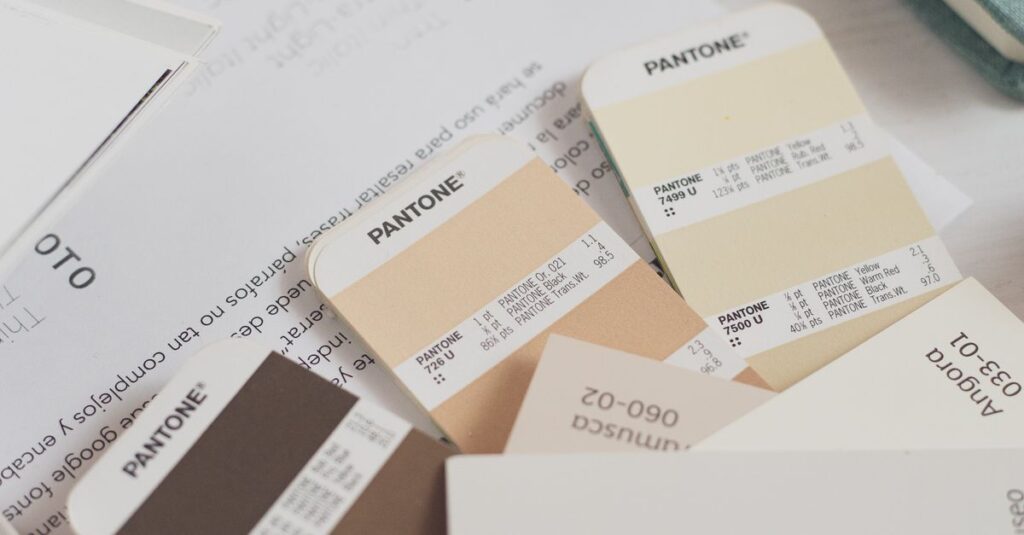
| Color accuracy | High — Pantone matching possible | Good but less consistent |
| Cost per unit | Decreases with volume | Higher per unit |
| Setup time | 1–2 days (plates, proofs) | Minutes |
| Durability | Excellent — ink bonds with paper | Decent — toner sits on surface |
| Typical use | Corporate diaries, school notebooks | Prototypes, small batches |
Which one should you pick? If you're ordering in bulk — and most of our customers are — offset is the way to go. The color print copy will look richer, last longer, and cost less per notebook. But if you only need 50 pieces for a pilot run, digital makes sense.
Expert Insight: What I Learned from a Mistake
I was reading something last month — a trade magazine, I think — and one line stuck with me. A printer was talking about how most color print copy problems come from the file, not the machine. The designer sends a PDF with RGB colors, the press tries to convert it to CMYK, and suddenly the bright blue becomes a dull gray. I've seen that happen. More than once. One time at our factory, we had a customer who insisted on a specific shade of green. We printed a proof, they approved it, then when the full run came out, they said it was wrong. Turned out they had been looking at the proof on a phone screen. No calibration. No hope. The lesson: always ask for a physical proof. Don't trust a screen. Ever.
Common Mistakes When Ordering Color Print Copy
Most people make the same errors. I'll list them so you can avoid them.
- Using low-resolution images. If your logo is 72 DPI, it'll look blurry on a notebook cover. You need at least 300 DPI for a sharp color print copy.
- Not checking the bleed. Color print copy should extend beyond the edge of the cover. Otherwise, you get white borders when the paper is cut.
- Ignoring the paper color. White paper gives bright colors. Off-white paper shifts the hue. Always confirm the paper stock.
- Skipping the proof. I don't care how urgent the order is — get a proof. A physical proof. One mistake in color print copy can ruin the whole batch.
And here's something nobody tells you: color print copy on textured paper looks different than on smooth paper. The texture breaks up the ink. It can look beautiful or it can look faded. Test it first.
Frequently Asked Questions
Frequently Asked Questions
What is color print copy exactly?
It's the full-color printed design on a notebook cover, usually using CMYK inks. It includes logos, images, and text in multiple colors. Unlike black-only printing, it requires four separate plates and careful setup to get accurate colors.
How much does color print copy cost compared to black print?
Color print copy costs more upfront because of the setup and inks. For a typical bulk order of 1,000 notebooks, expect it to be 20–30% higher than black-only. But the per-unit cost drops sharply as volume increases.
Can I get a sample before placing a bulk order?
Yes. We always recommend a physical proof or a small sample run. That way you see exactly how the color print copy will look on your chosen paper. It's the safest way to avoid disappointment.
What file format do you need for color print copy?
We prefer PDF or AI files with CMYK color mode, 300 DPI, and 3mm bleed on all sides. If you have a JPEG, we can work with it, but the quality may not be as sharp. Send us your file and we'll check it.
How long does it take to produce color print copy notebooks?
For a typical order of 500–1,000 notebooks, expect 7–10 working days after proof approval. Rush orders are possible — we can do 3–4 days if needed — but the color accuracy may be less reliable. Plan ahead.
Conclusion
Color print copy isn't magic. It's a process. You need a good file, a good printer, and a good paper. If you get those three things right, your notebooks will look sharp and professional. If you rush or skip steps, you'll end up with something you don't want to hand out. I don't think there's one perfect way to order color print copy — it depends on your budget, your timeline, and how much you care about the result. But if you've read this far, you already know that getting it right matters. Sri Rama Notebooks can help you get it right.