

What a Book Printing Machine Actually Does
You’d think a notebook is just paper and a cover. It’s not. The real work starts with a book printing machine — the thing that turns blank sheets into something with lines, logos, and pages that actually stay together. I’ve seen people walk into our factory and assume the whole process is automatic. It’s not. A book printing machine is the heart of the operation, and if it’s not set up right, you end up with misaligned pages, faded ink, and notebooks that look like a bad photocopy job.
Look, I’ve been in this business since 1985. We’ve run through dozens of machines. Some are good. Some are headaches. But the one thing that hasn’t changed: the printer matters more than the paper. You can buy the best 54 GSM paper in the world, but if your book printing machine can’t handle the registration, you’re wasting money.
And honestly? Most buyers don’t think about this. They order notebooks, and they expect them to look perfect. But the machine that prints them? That’s where the magic — or the mess — happens. If this sounds familiar, Sri Rama Notebooks has been doing this for forty years. We know what we’re talking about.
How a Book Printing Machine Transforms Paper Into Notebooks
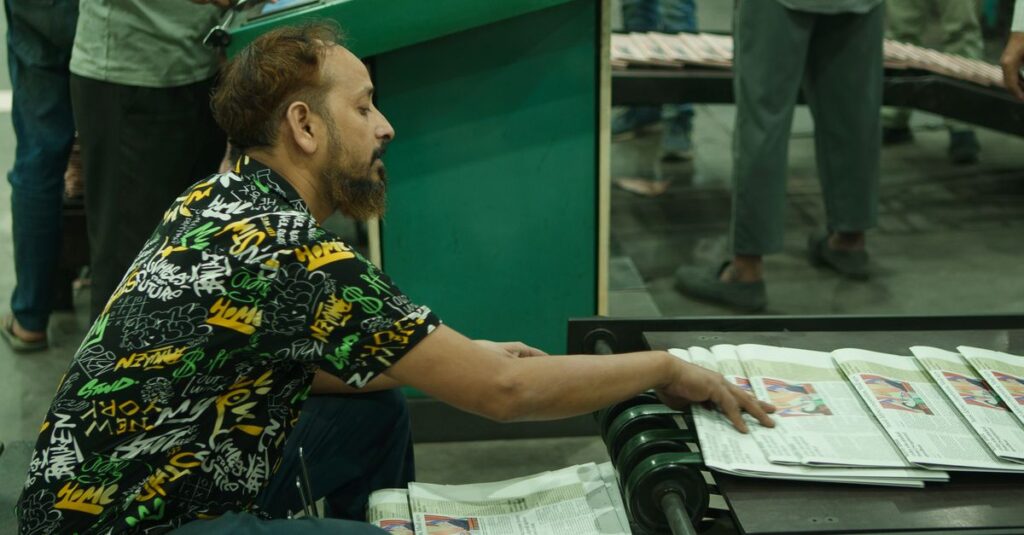
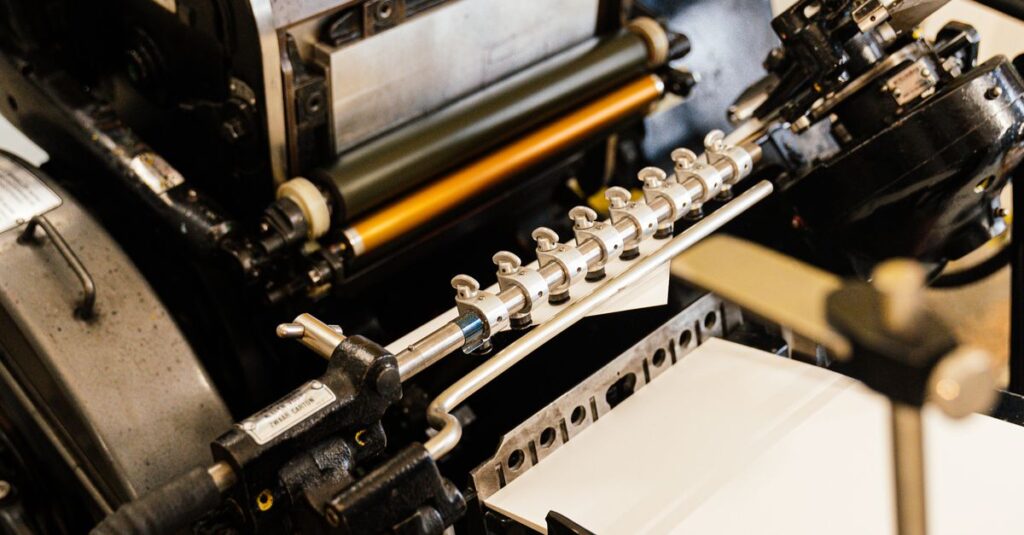
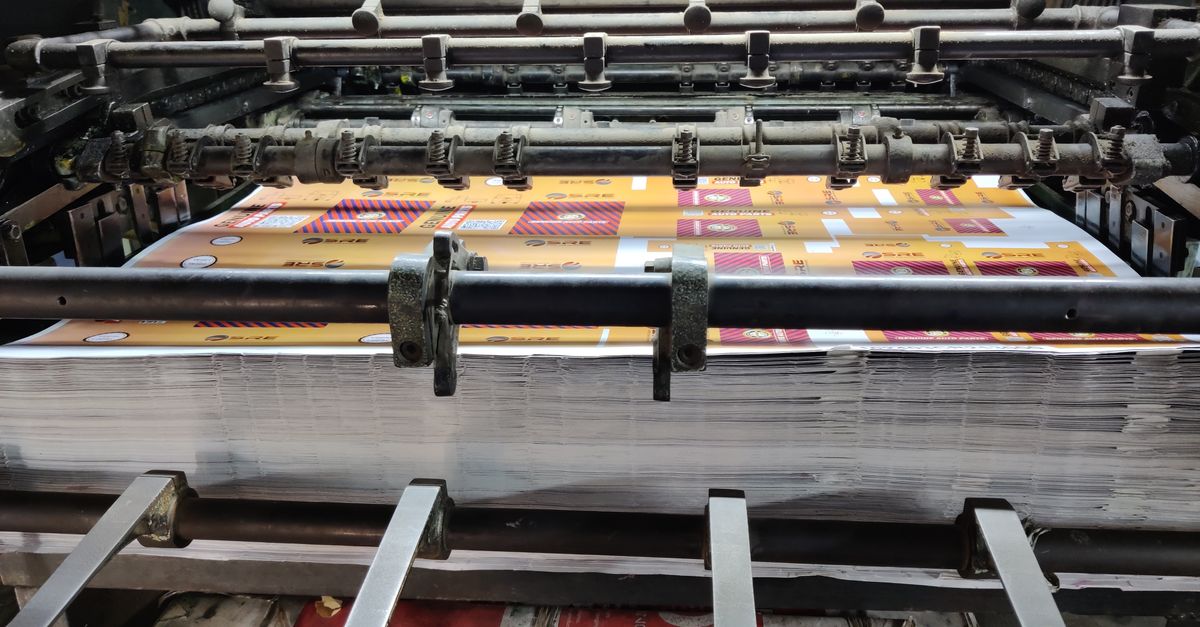
Let me walk you through a typical day. Paper rolls come in, stacked on pallets. The book printing machine takes each sheet, runs it through rollers, applies ink, and prints the ruled lines — or whatever design you’ve asked for. Then it folds, collates, and stacks the pages. But here’s where it gets tricky.
Most machines print one side at a time. You have to flip the paper manually or use a duplex unit. Miss the alignment by a millimeter, and the text on the back side doesn’t match the front. That’s called register error. And it’s maddening.
I remember a client from Hyderabad — a school chain — who ordered 20,000 notebooks. They wanted their logo on every cover. The printing was perfect except for one batch where the register slipped. We had to reprint 2,000 units. That’s the cost of a bad machine.
A Real Story: Ramesh and the Machine That Saved His Order
Ramesh, 42, runs a stationery shop in Kakinada. He orders 500 notebooks every month. Last year, his usual supplier delayed delivery. He called me in a panic. We had just installed a new book printing machine — a Heidelberg offset model. I told him we could do his order in three days. He didn’t believe me. He came to the factory, watched the machine run, and saw the first batch come out crisp. He’s been a regular ever since. Sometimes the machine is the hero.
Offset vs Digital: Which Book Printing Machine Should You Choose?
Not all book printing machines are built the same. I’ve used both offset and digital, and each has its place. Here’s a comparison table based on what I’ve seen over the years:
| Feature | Offset Printing Machine | Digital Printing Machine |
|---|---|---|
| Best for | Large runs (5,000+ notebooks) | Small runs (under 500) |
| Cost per page | Cheaper in bulk | Higher per unit |
| Setup time | 30–60 minutes | 10–15 minutes |
| Color accuracy | Excellent (Pantone matching) | Good (but limited) |
| Durability | Built for years, heavy maintenance | Lighter, easier to replace |
| Ideal for | School notebooks, diaries, account books | Custom short-run diaries, prototypes |
I think — and I could be wrong — that most notebook manufacturers still swear by offset. It’s slower to set up, but once it’s running, you can produce 10,000 sheets an hour without a single misprint. Digital is faster for small batches, but the ink doesn’t hold up as well on rough paper. For a bulk order of 30,000 notebooks, offset is the only way to go.
Expert Insight: The Real Cost of a Bad Print
I was reading something last month — a trade magazine, I think — and one line stuck with me. The author said something like: “The difference between a good notebook and a great one is not the paper. It’s the printing.” I don’t have a cleaner way to put it than that. I’ve seen so many orders where the paper was fine, the binding was solid, but the printing was off — smudged, faded, or misaligned. And the client rejected the entire batch. That’s not just a waste of money. It’s a waste of time. And in this business, time is the only thing you can’t print more of.
So when you’re choosing a book printing machine — or a manufacturer who uses one — ask about registration, ink consistency, and maintenance schedules. Don’t just look at the price. Nine times out of ten, the cheapest machine gives you the most headaches.
Why Choosing the Right Book Printing Machine Matters for Your Bulk Orders
If you’re a procurement manager ordering 10,000 notebooks for a school, you don’t care about the machine. You care about delivery dates and quality. But the machine determines both. A good book printing machine runs consistently, prints evenly, and doesn’t break down on a Friday afternoon. A bad one? You’ll miss your deadline.
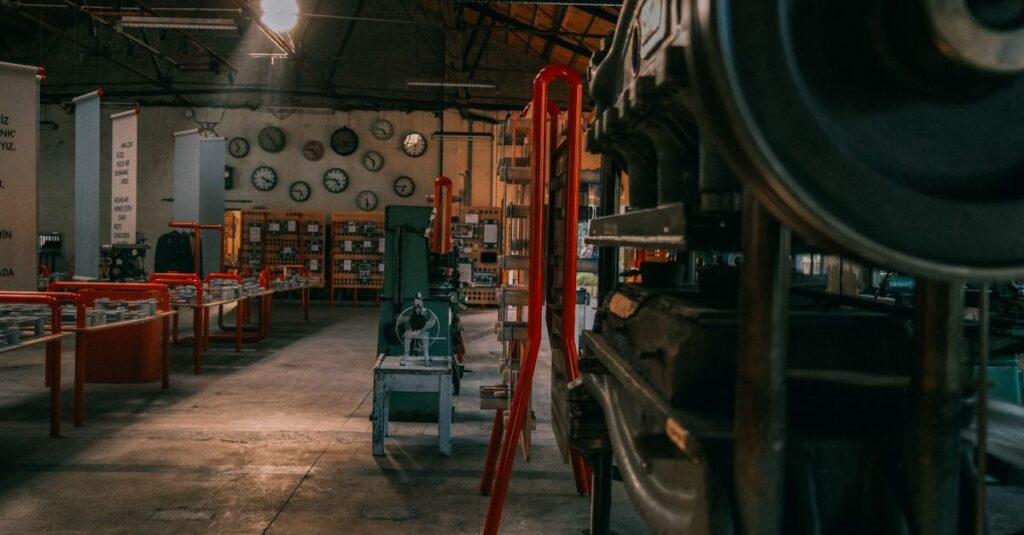
At our factory, we run a mix of Heidelberg offset and digital machines. We produce 30,000–40,000 units daily. We’ve been doing this since 1985, and we’ve learned that the machine is only as good as the operator. But even the best operator can’t fix a machine that’s poorly maintained.
Here’s what I tell every buyer: come see the machine. Ask to see a test print. If they hesitate, that’s a red flag. And if you’re looking for a reliable partner, our printing services are backed by decades of experience.
Frequently Asked Questions
What is a book printing machine used for?
A book printing machine is used to print text, lines, and images onto paper sheets that are then bound into notebooks, diaries, account books, and other stationery products. It’s the core equipment in any notebook manufacturing facility.
How does a book printing machine differ from a regular office printer?
An office printer is for small volumes — maybe 50 pages a day. A book printing machine is industrial-grade, capable of printing thousands of sheets per hour with consistent quality, using offset or digital technology designed for bulk production.
What factors affect the quality of printing on a book printing machine?
Key factors include ink quality, paper type, machine calibration, and operator skill. Registration accuracy — making sure the print lines up on both sides — is the biggest challenge. Proper maintenance and regular calibration keep quality high.
How long does it take to set up a book printing machine for a new job?
Setup time varies. For offset machines, expect 30 to 60 minutes to load plates, adjust ink, and align the paper. Digital machines are faster, around 10–15 minutes, but they’re not as cost-effective for large runs. Plan accordingly for bulk orders.
Can a book printing machine print in color?
Yes, many book printing machines are equipped for color printing, especially offset models that can match Pantone colors accurately. Digital machines also print color but may have limitations on color consistency over long runs. For corporate logos, offset is preferred.
Conclusion
I don’t think there’s one perfect book printing machine. It depends on what you’re printing and how many. But here’s what I know: the machine you choose — or the manufacturer you trust — will determine whether your notebooks come out clean or crooked. At Sri Rama Notebooks, we’ve invested in machines that work. Not because they’re fancy, but because they’re reliable. If you’re ordering notebooks in bulk, you want that reliability. Contact us and we’ll show you how it’s done.