


What Exactly Are Printing Stations?
Let me tell you something. When people ask me about printing stations, they usually imagine a single machine that does everything in one go. A big printer that just — you know — prints. Like a massive office copier that never runs out of toner. That's not how it works.
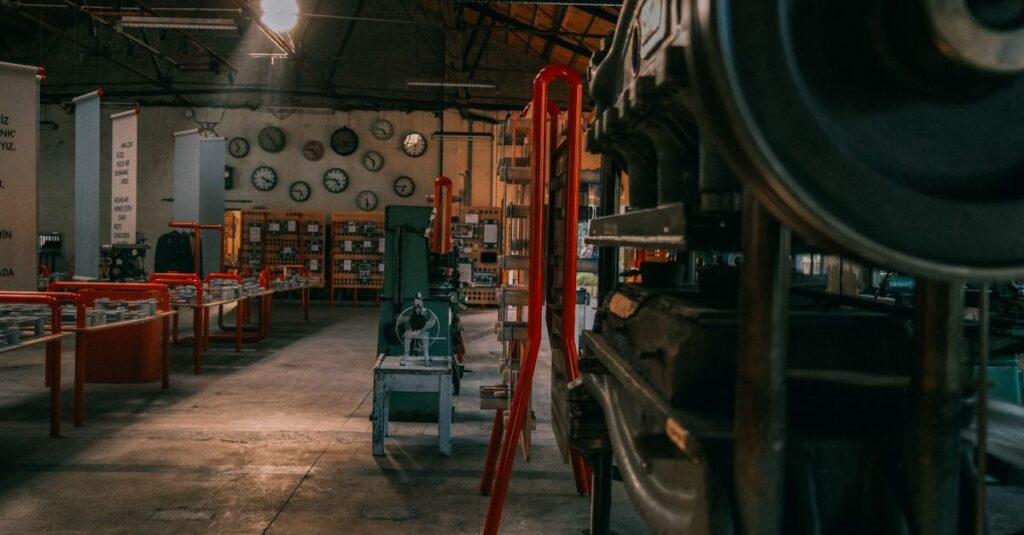
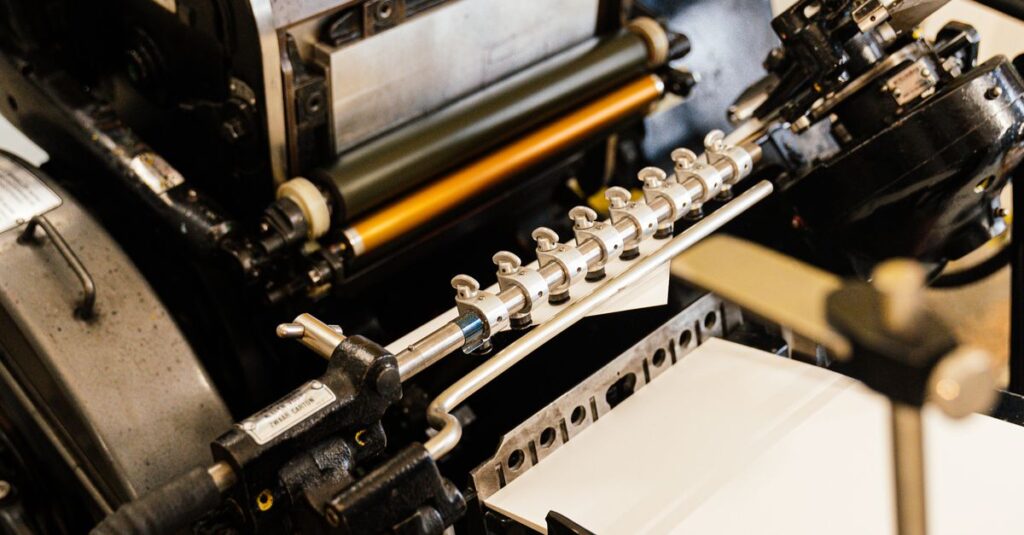
A printing station is a dedicated area in a factory where ONE specific color or process happens. In our setup at Sri Rama Notebooks, a printing station is where ink meets paper. But it's not just about pressing a button and walking away.
I've seen buyers assume that printing a notebook cover with four colors takes the same time as a single-color print. It doesn't. Each color needs its own station. Sometimes its own machine. And if you want foil stamping or embossing — that's a whole different station again.
It's like an assembly line for ink. Each station adds a layer. And if one station is off — even by a millimeter — the final product looks wrong. You can't fix it later.
How Printing Stations Work in a Real Factory
I was talking to a procurement manager from Mumbai last week — Rahul, 38, handles supplies for a chain of 40 schools. He wanted to understand why his previous supplier took 45 days to deliver notebooks with logos on them. He thought it was just the logo. One print. How hard could it be?
Here's what he didn't see:
- Pre-press station — plates are made, colors are matched to a physical sample. This alone takes 2-3 days if done properly.
- Offset printing stations — each color (Cyan, Magenta, Yellow, Black) runs through a separate station. Sometimes two if the coverage is heavy.
- Drying stations — ink sits between stations to dry. Skip this, and the colors blur.
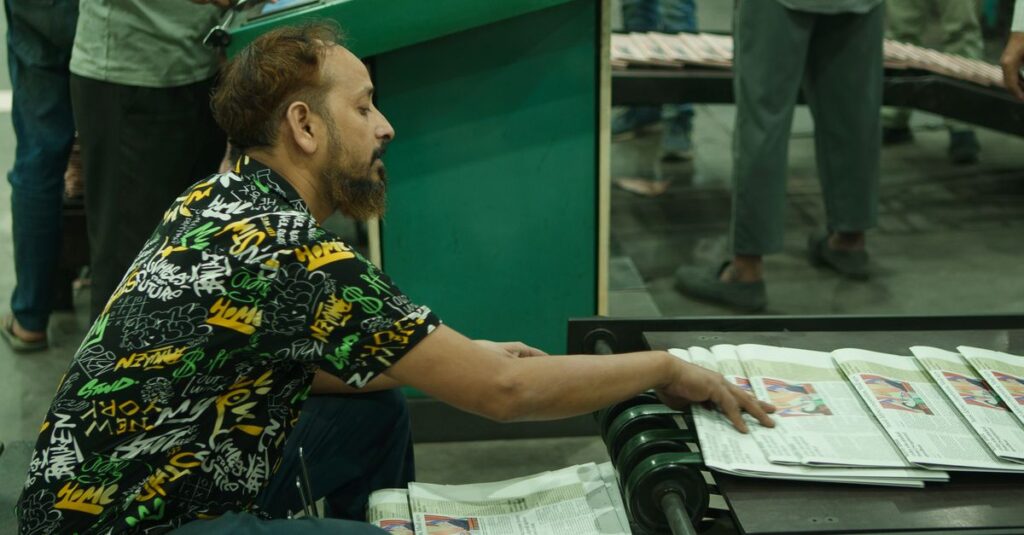
- Quality check station — real human beings hold each sheet up to light, looking for misregistration.
And that's just for flat sheets. Not even bound yet.
The thing is — Rahul didn't know the difference between running a single-color job and a four-color cover. Once I showed him our setup, it clicked. He stopped asking for unreasonable deadlines.
Most people don't know. And honestly? That's fine. But if you're ordering 10,000 notebooks, you should understand why some quotes are higher. And why faster delivery isn't always better.
Single Color vs Multi-Color Printing Stations
Here's where a lot of bulk buyers get confused. They see a price difference and assume one supplier is overcharging. That's not the whole story.
| Feature | Single Color Station | Multi-Color Station |
|---|---|---|
| Setup time | 30-45 minutes | 2-4 hours |
| Number of passes | 1 pass | 4 passes (if CMYK) |
| Ink waste | Minimal | 15-20% waste on setup |
| Best for | Plain text, simple logos, one color | Photos, gradients, covers, branding |
| Cost per page (bulk) | $0.02 – $0.04 | $0.08 – $0.15 |
| Minimum order | 500 units | 2000+ units for cost efficiency |
A single-color printing station does exactly one job. Black ink on white paper. That's it. Fast. Cheap. Reliable. If you run a school where every notebook just needs a logo and a ruling, this is your setup.
But multi-color stations? Those are a whole different animal. Each color is a separate station. And if you want Pantone matching — which schools and corporates often do — the press operator has to stop, mix ink, run a sample, wipe the station, run another sample. Repeat until it matches.
I once watched an operator spend three hours matching a shade of maroon for a school uniform notebook cover. Three hours. For one color. The client never knew.
And that's the thing — you don't see this in the final price. It's just baked in. But it matters.
Expert Insight
I remember reading something years ago — I think it was from an old printing trade journal, maybe from the 80s — about how the most skilled press operators in Germany could run a six-color Heidelberg press with what the article called “eyes that don't blink.” The line stuck with me. Because it's true. The best operators I've seen, they don't look away. They stare at that sheet coming off the station, and they catch a registration error that nobody else would see for another hundred sheets. It's not a learned skill entirely. Some of it is just… care. I don't know how else to explain it.
Why Printing Stations Matter for Bulk Orders
When you order 30,000 notebooks, the printing station setup becomes the bottleneck. Not the paper. Not the binding. The printing stations themselves.
Here's why: each station can only run one job at a time. If you want full-color covers, that ties up four stations for hours. Meanwhile, the single-color stations are finishing another job in the same time. The factory has to balance which orders go where.
Makes sense, right? But most buyers don't think about it this way.
So if you place an order during peak season — right before school starts in June — you're competing with every other school in the country for those multi-color stations. Prices go up. Lead times stretch.
The smarter play? Order in February or July. When the printing stations aren't running at full capacity. You get faster delivery and lower setup charges.
I know this sounds like common sense. But you'd be surprised how few procurement teams plan this way. They call me in April asking for 50,000 notebooks by May 15th. And I have to tell them — the stations are booked. We can squeeze you in, but it'll cost extra.
Planning early isn't just about saving money. It's about not being disappointed.
Custom Printing Stations: What You Can Actually Get
Not all printing stations are the same. Here's a quick breakdown of what we run at Sri Rama Notebooks:
- Offset printing stations — standard for bulk runs. Sharp, consistent, cost-effective above 1000 units.
- Digital printing stations — for short runs (200-500 notebooks). No plates needed. Higher cost per unit but fast setup.
- Foil stamping stations — metallic foil applied to covers. Gold, silver, bronze, copper. A separate station entirely.
- Embossing/debossing stations — raised or recessed logos. Requires a custom die. Adds 2-3 days to production.
- Screen printing stations — for thick, opaque ink on dark materials. Rare for notebooks, but we do it for premium covers.
One thing I should clarify — a digital printing station isn't better or worse than offset. It's just different. If you need 500 custom diaries with full-color covers, digital makes sense. If you need 10,000, offset wins every time on cost and quality.
But here's the nuance: digital stations don't need long setup. Offset stations do. So if your design changes last minute, digital can absorb that without losing money on wasted plates. Offset can't. I've seen clients redesign covers three times before finalizing. With offset, each change costs real money. With digital? They just upload a new file.
I'm not saying one is better. I'm saying choose the right station for your order. Not every printing station is designed to do everything.
Frequently Asked Questions
Frequently Asked Questions
What is a printing station in a notebook factory?
A printing station is a dedicated machine or area where one color or process is applied to paper. In offset printing, each color requires a separate station. Multi-color designs need multiple stations running in sequence.
How many printing stations does a typical notebook need?
For a simple ruled notebook with a one-color logo, one printing station does the job. For full-color covers with photographs or complex branding, four stations (Cyan, Magenta, Yellow, Black) are standard. Foil stamping adds another station.
Can I save money by using fewer printing stations?
Yes, but you compromise on design. Single-color printing stations cost less to run. If your brand works with one color, you save on setup, ink, and press time. But full-color designs require all stations to be used — there's no shortcut.
How long does it take to set up a printing station?
Single-color stations take 30-45 minutes. Multi-color stations take 2-4 hours because each station needs alignment and color matching. For the first sheet to come out perfect, it often takes 50-100 test sheets per station.
Does your factory have digital printing stations for small orders?
Yes. We run both offset and digital stations. Digital printing works well for runs under 1000 units. For bulk orders above 3000-5000, offset is more economical. We usually recommend offset for schools and corporate orders.
Final Thoughts
Printing stations aren't exciting. They're machines that do a job. But understanding how they work — that saves you money, time, and headaches. Three things I'd want you to take away:
First, more colors mean more stations, which means higher cost and longer setup. Plan your design accordingly. Second, book early during peak seasons. The stations are first come, first served. Third, ask your supplier which printing station they'll use for your job. If they can't explain it clearly, that's a red flag.
I don't think there's one right way to order notebooks. But knowing what happens at each printing station gives you leverage. You stop guessing and start deciding.
If this helped or if you want to discuss a bulk order, reach out to Sri Rama Notebooks. We've been running printing stations since 1985. We can handle yours.