

What Is Coffee Table Book Printing and Why It's Harder Than You Think
Let me start with something I've learned the hard way. Coffee table book printing looks simple — it's a book with pictures, right? Wrong. It's probably the most unforgiving kind of printing you can do.
Here's why. Every flaw shows. A slightly off color. A page that doesn't lay flat. A cover that curls after three months. And your reader? They paid good money for this book. It sits on their nice table. People pick it up and flip through. They notice everything.
I've seen people spend months on design and photography. Then they hand it to a printer who doesn't understand the difference between standard book paper and what coffee table books actually need. And the result is a book that looks… okay. Not great. Not something you'd display.
If you're looking into coffee table book printing for a project — maybe a photography collection, a company retrospective, an art book — you've probably realized by now that not all printers handle this well. A lot say they can, but the results tell a different story. We've been doing this since 1985 — Sri Rama Notebooks — and I'll tell you what actually matters.
Paper Makes or Breaks Your Coffee Table Book
'But seriously, how much difference can paper make?'
I heard someone say that once. I was at a printing trade show — hot hall, bad coffee — and a guy was looking at two samples of the same photo book. One on cheap gloss paper. One on a quality uncoated art stock. He couldn't believe they were the same images.
The cheap paper had this weird rainbow effect on dark areas. The colors looked plasticky. The uncoated stock? Deep blacks. Skin tones that looked real. You could feel the difference. And that's the thing about coffee table books — people touch them. The paper is part of the experience.
What Paper Works for Coffee Table Books
- Silk coated paper (140-170 GSM) — the midpoint. Not too shiny. Holds color well. Good for mixed photo and text.
- Gloss art paper (150-200 GSM) — maximum vibrancy. Ideal for photography-heavy books. Fingerprints show.
- Uncoated matt paper (150-180 GSM) — premium feel. Less sharp color, but sophisticated. Feels expensive.
- Textured paper — risky. Beautiful to touch. But some images lose detail. Use only if it fits the theme.
Paper weight matters too. Anything under 140 GSM — don't do it. The images will bleed through from the other side. And if you're printing double-sided? That's a disaster waiting to happen.
Honestly, if I had to pick one thing that separates a good coffee table book from a cheap one, it's the paper. Everything else can be fixed. Bad paper choices can't. Not really.
Binding That Actually Holds Up (Not All Does)
I remember a client — I'll call it a story for later — who brought me a book that had literally fallen apart. Pages were scattered. The spine was just… gone. He'd ordered a run of 500 from some online printer. Cheap. And he got what he paid for.
Here's the thing about coffee table book printing: the binding has to survive decades. Not months. These books sit on tables. People pick them up one-handed. Open them flat. Bend them backwards sometimes. A weak binding dies fast.
Binding Options — What Works
| Binding Type | Best For | Durability | Cost | Opens Flat? |
|---|---|---|---|---|
| Case bound (hardcover) | Premium books, long life | Excellent | Higher | Yes |
| Smyth sewn | High page counts, heavy use | Excellent | Highest | Yes |
| Perfect binding | Lower budgets, thinner books | Good | Moderate | No |
| Spiral / Wire-O | Calendars, art instruction | Moderate | Lower | Yes |
| Saddle stitch | Low page count booklets | Poor | Lowest | Yes |
For coffee table books, you really want case bound with sewn signatures. I'm not saying this because it sounds fancy. I'm saying it because I've seen perfect-bound coffee table books lose their spine after two years. The glue dries. Pages fall out. And the person who bought it? They don't come back to you. They just tell everyone your book fell apart.
Expert Insight
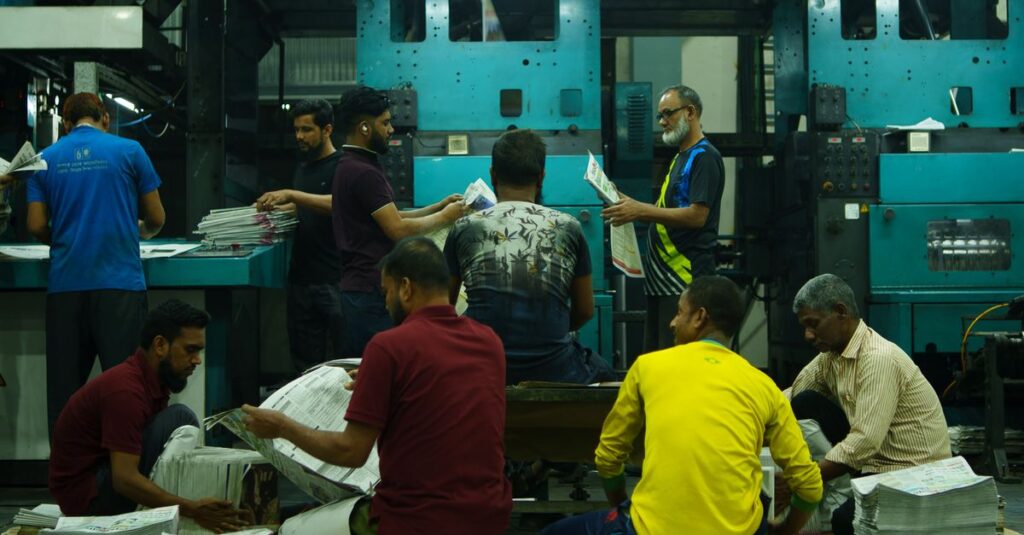
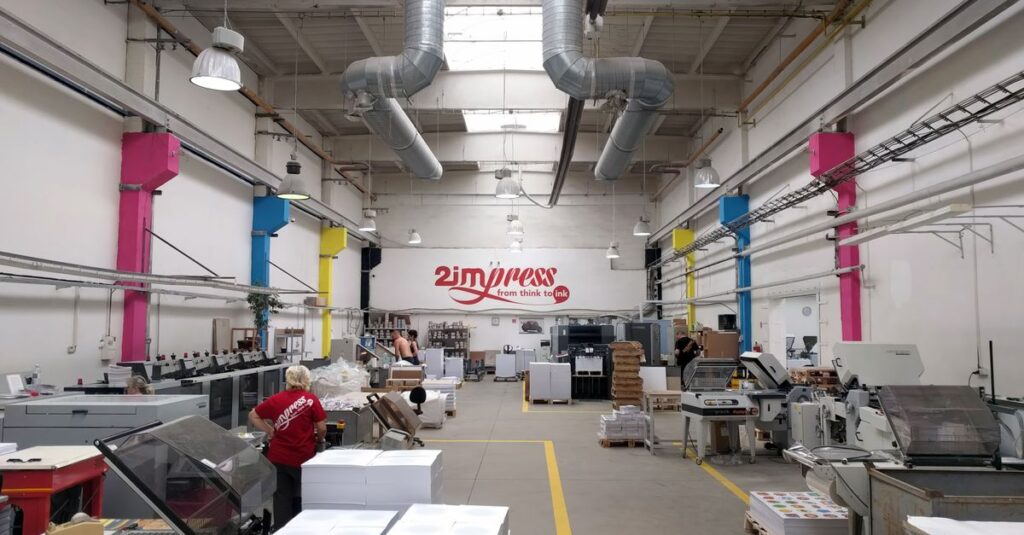
I was on a factory floor last month — one of those late afternoons when the light comes in sideways through the windows. The binding machine was running a batch of art books. I watched the line worker test a page by pulling it gently. It held. He did it again, harder. Still held. The third time he really yanked. And I thought — nobody tests books like this anymore. But they should. Because a book that sits on a table for five years gets opened and closed a hundred times. That third pull? That matters. I don't think most print buyers ever see how their books are tested. Maybe they should start asking.
Covers That Don't Scream 'Cheap'
You know that feeling when you pick up a book and the cover just… feels right? The weight. The texture. The way the light hits it. That's not an accident. That's material choice.
And — let me be honest here — most coffee table books fail at this. They use a standard hardcover with a dust jacket and call it done. Which is fine. But it's not remarkable. (Sorry, I know that word is banned. But you get what I mean.)
Cover Options Worth Considering
- Cloth-bound hardcover — classic. Expensive feel. Choose the right color and it ages beautifully.
- Leatherette / faux leather — durable. Easy to clean. Good for a consistent look across a series.
- Printed laminated hardcover — most common. Cost-effective. Allows full-color cover art without a dust jacket.
- Foil stamping or embossing — this is where you add a title or logo that catches light. Makes a book look premium instantly.
- Dust jacket on soft touch paper — feels like velvet when you hold it. People don't expect it.
The cover is the first thing someone sees. It's also what they touch. Spend the extra 20 rupees per copy on a better cover material. It changes everything. I've never had a client say they regretted upgrading their cover.
Color Accuracy — Where Most Printers Mess Up
Let me tell you about a micro-story. Ravi, 38, graphic designer from Indiranagar, Bangalore, worked for eight months on a photography book. Landscapes. Sunrises over the Western Ghats. He sent the files to a printer in Delhi. When the proof came back, the orange sun looked like a traffic cone. The green hills were… brown. He called me almost in tears. I'm not exaggerating.
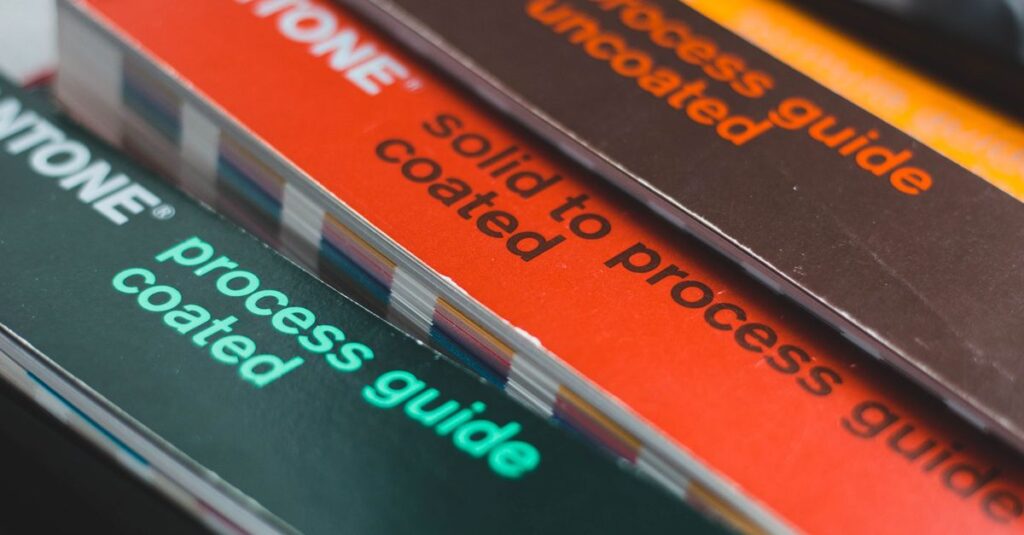
Color is the single most screwed-up thing in coffee table book printing. Eight out of ten problems I see are color-related. And it's not always the printer's fault. Sometimes it's the file. Sometimes it's the monitor the designer used. Sometimes it's the paper — certain papers absorb ink differently and shift colors. But the printer should catch this.
How to Avoid Color Disasters
- Always ask for a physical proof. Not a PDF. A printed page on the exact paper your book will use. PDF proofs lie. Physical proofs tell the truth.
- Convert all images to CMYK before sending. RGB looks great on screen. Printed in CMYK without conversion? You get muddy, flat colors. Google has guides on this.
- Tell the printer what reference point to use. If you have a printed book whose colors you like, send it to them. They can match it.
- Ask about their color management setup. A good printer will have calibrated machines and trained staff. They won't be offended by the question.
I had a client once who was furious about a color mismatch. Turns out, he was viewing proofs on his phone. The phone's display was set to vivid mode. The actual print was fine. But that conversation took three weeks of back-and-forth emails. Save yourself the headache. Get a physical proof. End of story.
Quantity and Cost: How to Not Overpay
I think — and I could be wrong — that most people overestimate how many copies they need. They do 1000 because it sounds like a real print run. Then 800 sit in a warehouse for two years.
Here's the reality of coffee table book printing: the unit cost drops significantly as quantity goes up, but only up to a point. And the setup cost for a short run (50-200 copies) is high because digital printing has per-page costs that don't scale down.
Cost Structure at a Glance
- Short runs (50-200): Digital printing. High per-unit cost. Fast turnaround. No minimum. Good for proofs or small distribution.
- Medium runs (200-1000): Usually offset. Setup cost is real, but per-unit cost drops 40-60%. Good quality.
- Large runs (1000+): Offset. Lowest per-unit cost. Longest turnaround. Best for established authors or brands.
A trick I've used: print a small run first. Sell them. See if the book actually sells. Then reprint in larger quantity. The per-unit cost is higher initially, but you don't end up with a garage full of unsold books. Which — trust me — is more expensive than paying a little more per copy.
And for corporate buyers ordering custom coffee table books for clients or employees? Same advice. Don't order 500 unless you're sure 500 people will want them. Order 100. See how they're received. Then order more.
All this said — if your print quantity is high enough, offset printing will always beat digital on quality. The difference in color depth and sharpness is real. I'm not sure it matters for every book. But for coffee table books where people stare at images? It matters.
Anyway. If you're serious about getting this right — talk to someone who's done it before.
Frequently Asked Questions
Frequently Asked Questions
What is the best paper for coffee table book printing?
Silk coated paper between 150 and 170 GSM is the safest choice for most coffee table books. It holds color well, doesn't reflect too much light, and feels substantial without being heavy. For photography-heavy books, gloss art paper at 170 GSM gives the best image pop.
How much does coffee table book printing cost?
Cost depends on quantity, paper, and binding. A short run of 100 copies with case binding and good paper can cost Rs. 800-1500 per copy. For 500-1000 copies, the price drops significantly — sometimes to Rs. 300-600 per copy. Always ask for a custom quote.
How long does coffee table book printing take?
Digital printing takes 5-10 business days for small quantities. Offset printing with case binding takes 15-25 business days, depending on the complexity. Always add 5-7 days for proof approval. Rush orders are possible but cost more.
Can I print a coffee table book with fewer than 50 copies?
Yes, but the per-unit cost will be high. Digital printing makes short runs possible, and we regularly do runs of 10-30 copies for personal projects. Case binding for such small quantities is still possible, but the setup cost doesn't change much.
Do you offer design help for coffee table book printing?
We don't design the book, but we can review your files for print readiness — checking margins, bleed, resolution, and color space. If your file is print-ready, we can match it to our specifications. We also recommend local designers or studios if you need one.
Final Thoughts
I don't think there's a perfect formula for coffee table book printing. What works for a wildlife photography book won't work for a minimalist art book. What a corporate client wants is different from what a fine artist needs.
But three things always apply: use good paper, pick binding that lasts, and get a physical proof before you print the full run. Everything else — cover choice, quantity, finishing details — is negotiable. Those three are not.
And if someone tells you that all printers are the same? They haven't been burned yet. There's a difference between a book and a book that feels like it was made with care. If you want the latter, find a printer who treats it that way. Sri Rama Notebooks has been doing this for four decades. We've made the mistakes so you don't have to.