

So You Need Brochure Printing — Where Do You Start?
You’ve got a stack of content. Maybe a launch coming up. And someone said, “Get brochures printed.” So here you are, googling “brochure printing services” like the rest of us.
Here’s the thing — most people who search for this are not print experts. They’re marketing managers, school administrators, or business owners who just need something that doesn’t look cheap. They don’t want to learn offset vs. digital. They want a brochure that doesn’t fall apart after two weeks.
I get it. I’ve been on both sides of this — making notebooks for 40 years and occasionally printing brochures for local businesses. The difference between a good print job and a bad one? It’s not the machine. It’s the person who actually cares about the paper. And that’s hard to find these days.
If that sounds familiar, Sri Rama Notebooks might be what you’re looking for.
What Brochure Printing Services Actually Include
Most people think brochure printing is just — you send a PDF, they hit print, done. No. That’s like saying making a notebook is just stapling paper together.
A proper brochure printing service includes a few things you don’t see. Paper selection. Folding. Binding. Finishing. Each step changes how your brochure feels in someone’s hand.
I was talking to a friend who runs a real estate agency in Kakinada last month. He ordered brochures from a local shop. Paid good money. When they arrived? The fold lines were off by half a centimeter. Not a huge deal — unless you’re handing them to clients at a property visit. Then it looks sloppy. And that sloppy feeling? It transfers to your brand. Whether you like it or not.
Anyway. Where was I. Right — what you actually get when you order these services.
Paper Quality
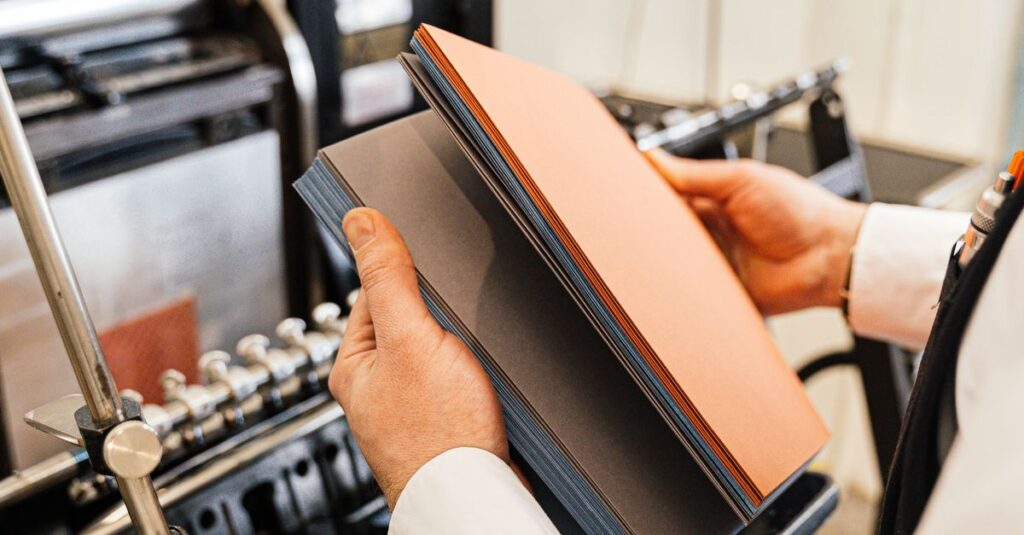
Pound for pound, the paper is everything. A 100gsm sheet feels flimsy for a brochure. 170gsm to 250gsm is the sweet spot. Matte or gloss depends on your design — but I’ve always preferred matte. Gloss shows every fingerprint. Don’t quote me on this, but I think people trust matte more. It feels honest.
Folding and Binding
Bi-fold. Tri-fold. Z-fold. Saddle-stitched. Perfect bound. These aren’t just fancy words — they change how your brochure works. A tri-fold fits in a standard envelope. A saddle-stitched brochure lies flat when open. Perfect bound looks like a mini magazine. Think about how you’ll distribute it. That decides the format.
Finishing Touches
Lamination. Spot UV. Foil stamping. Embossing. These are the extras. Do you need them? Most times — no. But if your brochure is for a high-end product or a corporate gifting kit, they add a layer of “I spent time on this.”
Here’s the real question — do you even know what you want yet? Most people don’t. And that’s okay. That’s why you compare.
What Most Brochure Printing Services Won’t Tell You
Look, I’ll be direct. A lot of print shops will take your order without asking questions. They’ll print whatever you send. Even if the color space is wrong. Even if the bleed is missing. And you’ll get a box of brochures that look nothing like your screen.
The reason is simple — they want your money, but they don’t want to educate you. It takes time. Time is money. So they just hit print.
I’ve seen it happen more times than I can count. A school in Rajahmundry ordered 5,000 brochures for an admissions drive. The shop didn’t ask about CMYK vs RGB. The printed colors were dull. The school had to reorder. That’s a week lost and budget doubled.
So here’s what you should ask before you order:
- What paper weight do you recommend for this design?
- Do you have a template with bleed and margins?
- Can I see a proof before you print?
- What’s your turnaround time — actual days, not “we’ll try”?
- Is shipping included in the quote?
If they hesitate on any of these — walk away. Or at least, think twice.
Brochure Printing Services: Offset vs. Digital
This is probably the biggest decision you’ll make. And most people get it wrong because nobody explains it properly.
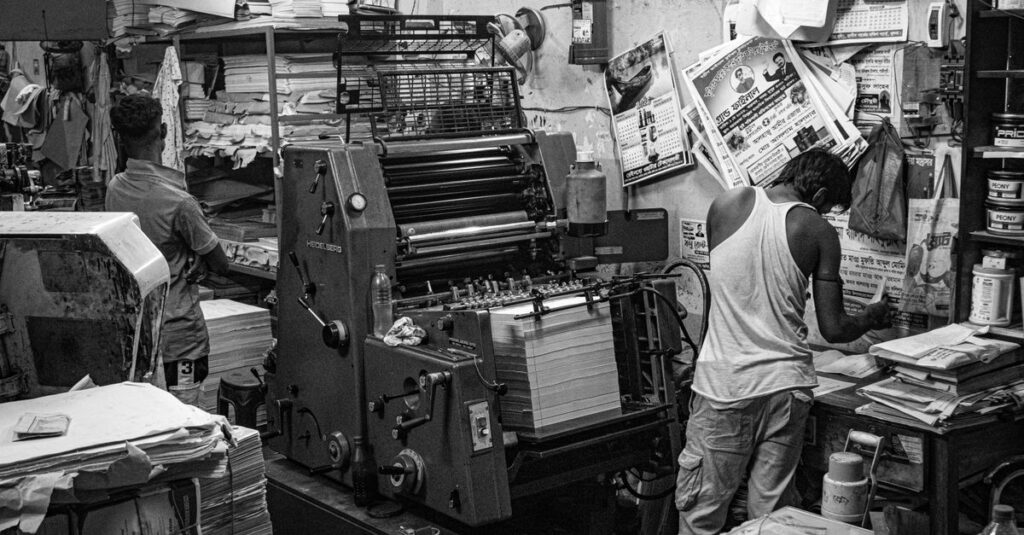
Offset printing is the old school method. Plates, ink rollers, high setup cost. But once it’s running? Cheap per piece. Great for large quantities — 500+, 1000+, 5000+. Color is richer. Registration is tighter.
Digital printing is newer. No plates. Print directly from file. Lower setup cost. Perfect for small runs — 50, 100, 200 copies. Faster turnaround. But the color is slightly less vibrant than offset. And per-piece cost is higher for large orders.
| Feature | Offset Printing | Digital Printing |
|---|---|---|
| Best for quantity | 500+ copies | Up to 200 copies |
| Color quality | Richer, more accurate | Good, but slightly less |
| Setup cost | Higher | Low |
| Per-piece cost (large runs) | Lower | Higher |
| Turnaround | 5-10 days | 1-3 days |
| Customization per copy | Not possible | Easy (variable data) |
Which one should you pick? If you need 1000 brochures for a trade show — go offset. If you need 100 for a sales meeting next week — go digital. The choice isn’t about quality. It’s about quantity and time.
I think — and I could be wrong — that most business owners overthink this. They want “the best” but don’t know what “best” means for their specific situation. Start with the quantity. Let that guide you.
A Quick Story About What Can Go Wrong
A few years back, a company in Visakhapatnam ordered brochures for a product launch. They went with a cheap service online. Paid half upfront. The PDF they uploaded had no bleed. The printer didn’t catch it. The finished brochures had a thin white border on one side. Not huge. But for a launch event? It screamed “rushed.”
They called me after. Asked if we could reprint in 48 hours. We did. But the damage was done — they handed out the bad ones first before the replacements arrived. First impressions matter. Especially in business.
Anyway. That’s why I always say — find a printer who asks questions. A good brochure printing service doesn’t just print. They help you not make mistakes.
Frequently Asked Questions
Frequently Asked Questions
What is the best paper weight for a brochure?
For most brochures, 170gsm to 250gsm works well. 170gsm feels substantial but folds easily. 250gsm feels premium but needs scoring for clean folds. Avoid below 150gsm — it looks flimsy and unprofessional.
How long does brochure printing usually take?
Digital printing: 1-3 days. Offset printing: 5-10 days. Add shipping time if ordering online. Always ask for a confirmed turnaround date — not an estimate. Rush orders are possible but cost more.
Can I print a small quantity of brochures?
Yes. Digital printing is ideal for small quantities — 50, 100, or 200 copies. Setup cost is low, so it’s cost-effective. For very small runs, check if the service has a minimum order requirement.
What file format do I need for brochure printing services?
PDF is the standard. Ensure your file has 3mm bleed on all sides and text is at least 3mm from the edge. Convert text to outlines or embed fonts. CMYK color mode is preferred over RGB for accurate printing.
How do I choose between matte and gloss finish?
Matte finish looks modern, reduces glare, and hides fingerprints. Gloss finish makes colors pop and is easier to clean. For text-heavy brochures, go matte. For image-heavy brochures, gloss works better. Personal preference matters too.
Let’s Wrap This Up
I don’t have a perfect answer for which brochure printing service you should pick. Probably no one does. It depends on your timeline, your budget, and how much you care about the small things.
But if you take one thing from this: ask questions before you pay. Good printers appreciate informed customers. Bad printers just take the money.
If you want to talk to someone who will actually answer your questions — Sri Rama Notebooks has been doing this since 1985. We know paper. We know print. And we don’t mind explaining things twice.