

Why Printed Brochures Still Matter
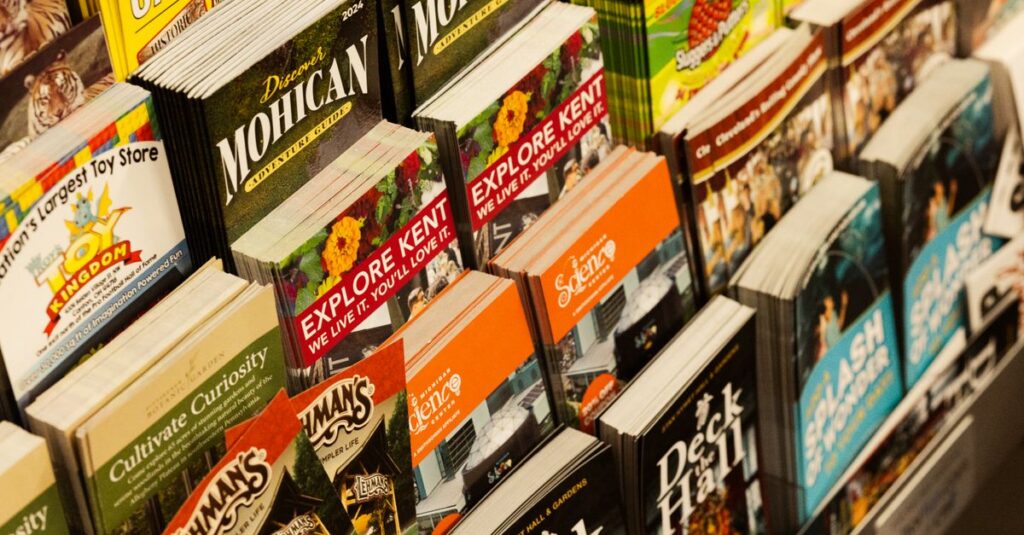
You know that feeling when you hand someone a brochure and they actually stop to look? It's rare these days. But when it happens, it works. Printed brochures aren’t dead — far from it. They just need to be done right.
I've been in printing for decades, and here's what I've noticed: the businesses that still invest in well-designed printed brochures tend to stand out. Not because brochures are fancy. Because they force you to be clear. You have limited space, so you say exactly what matters.
Anyway, if you're thinking about getting printed brochures for your next campaign, let's walk through the essentials.
Types of Printed Brochures and When to Use Them
Not all brochures are the same. The folding style changes everything — how much info you can fit, how people hold it, even whether they keep it or toss it.
Common Brochure Folds
- Bi-fold – One fold, four panels. Clean, simple. Great for product catalogs or company overviews.
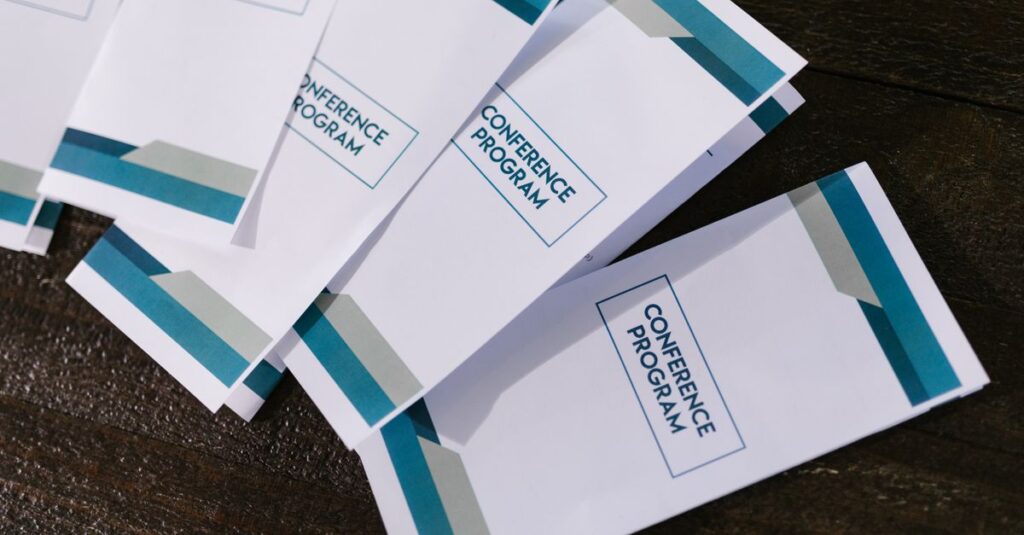
- Tri-fold – Two folds, six panels. The classic. Fits in a standard envelope. Perfect for events or quick pitches.
- Z-fold – Zigzag panels. Unfolds like an accordion. Works well for timelines or step-by-step guides.
- Gate fold – Two panels that open like doors. Feels premium. For special editions or luxury brands.
I remember talking to a school principal in Rajahmundry — Mr. Surya, 54 — who ordered tri-fold brochures for an open day. He said parents would put them in their bags without reading. We suggested a bi-fold with a single strong message. Next year, he called back saying the brochures were actually getting kept on desks. Little changes, big difference.
Comparison Table: Brochure Paper Sizes
| Size | Panels (Tri-Fold) | Best For |
|---|---|---|
| A4 (210x297mm) | 6 | Detailed info sheets, catalogs |
| A5 (148x210mm) | 6 | Handouts, inserts, mailers |
| DL (110x220mm) | 6 | Direct mail, event invitations |
| Half A4 (148x210mm) | 4 (bi-fold) | Mini catalogs, product cards |
The question isn't which fold is better. It's what your audience needs. Sometimes less is more. But sometimes you need to tell a whole story.
Paper Quality and Finishes That Make a Difference
Paper weight and coating aren't just technical specs — they affect how people feel about your brochure. Hold a 150gsm matte brochure vs a 300gsm glossy one. Totally different.
Paper Weight Guide (GSM)
- 130-170 GSM – Lightweight, good for large quantities, bends easily.
- 200-250 GSM – Standard. Sturdy enough for most purposes.
- 300-350 GSM – Thick, premium feel. Business cards, high-end brochures.
Coating also matters:
- Matte – Non-reflective, easy to write on, soft look.
- Glossy – Shiny, colours pop, smudge risk.
- Uncoated – Natural feel, absorbs ink, good for elegant designs.
Expert Insight
I was at a customer's office in Vijayawada a few years back. He insisted on glossy paper for his real estate brochures. I suggested matte instead — said it wouldn't glare under the sun. He didn't listen. A week later, he emailed me a photo of a broker holding the brochure outside, squinting. I didn't say I told you so. But I think we both learned something. Sometimes the finish changes everything.
Custom Printed Brochures: Avoiding Common Pitfalls
Getting custom printed brochures sounds easy until you see the first proof and the logo is blurry. Here's what I've seen go wrong — and how to fix it before you pay.
- Image resolution – Use 300 DPI or higher. Web images (72 DPI) will look pixelated.
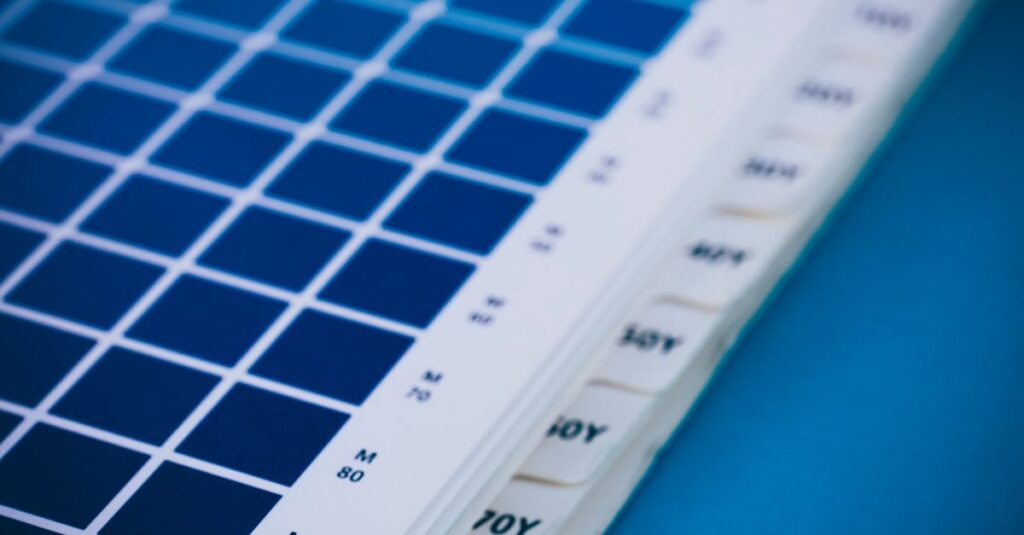
- Colour mode – CMYK, not RGB. Blue logos turn purple otherwise.
- Bleed area – Your design needs 3mm extra on each side. No bleed = white edges.
- Proofread – Sounds obvious. You'd be surprised how many brochures ship with 'teh' instead of 'the'.
Let me tell you about Priya, 35, marketing manager at a bank in Guntur. She ordered 5000 brochures for a loan campaign. File was ready. She forwarded it to us at 5:00 PM. I asked for proof approval. She said it's fine. I printed. Next morning she called: the interest rate was wrong. We re-printed in 24 hours — no extra charge because we felt bad. But that's not the norm. Always double-check the content.
How Sri Rama Notebooks Handles Your Printed Brochures
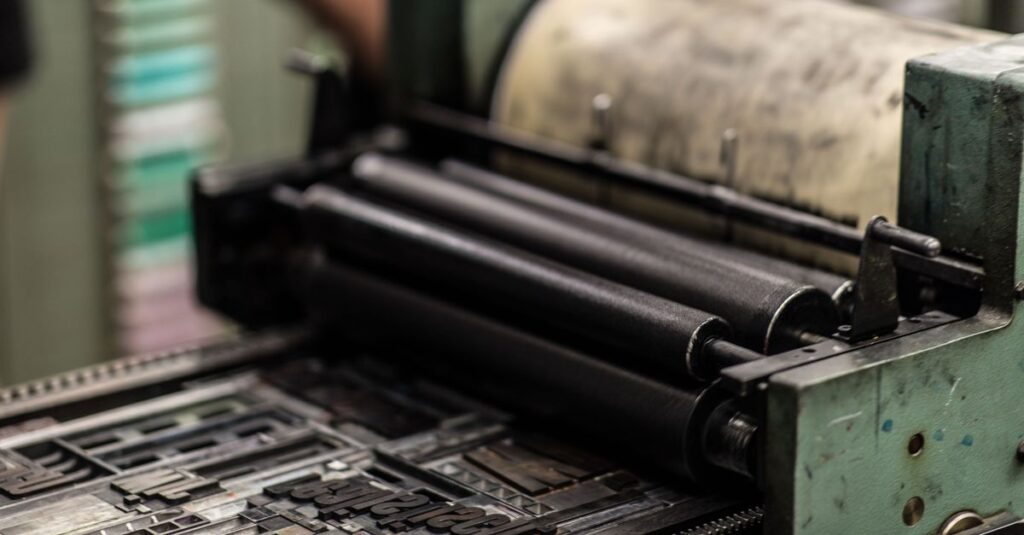
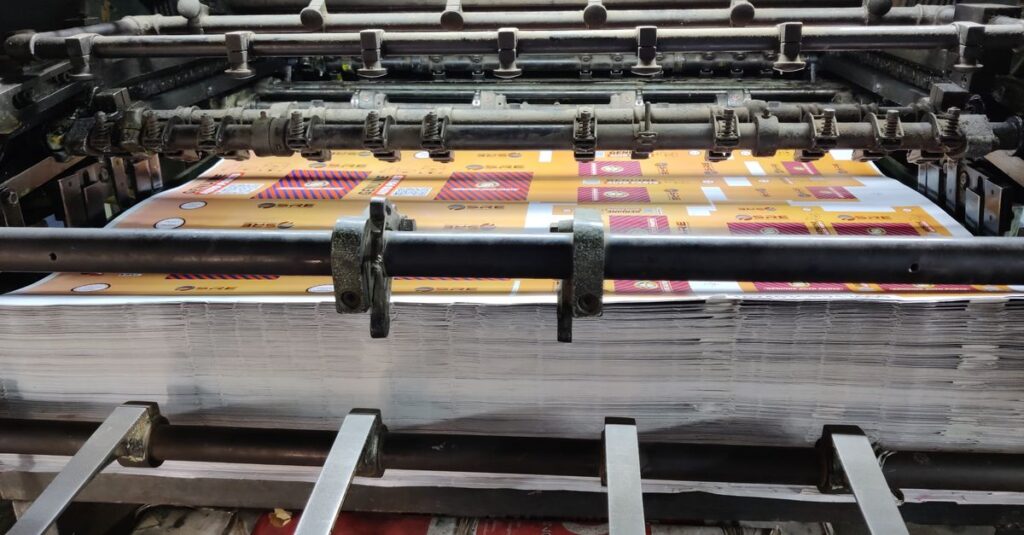
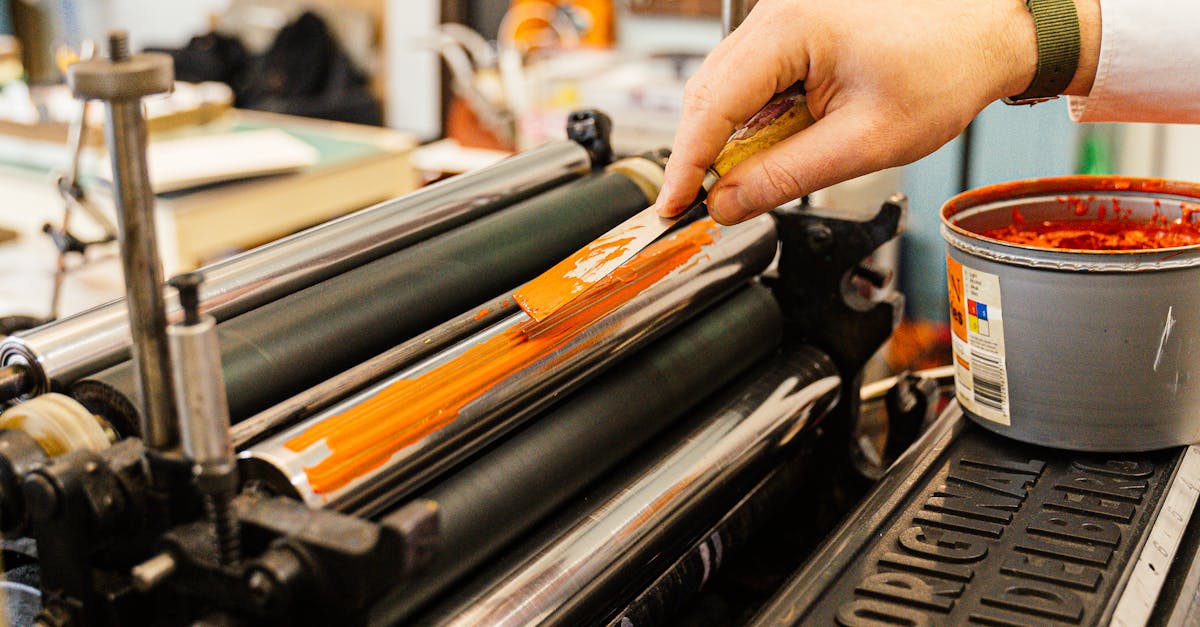
We've been printing since 1985. Not just notebooks — printed brochures too. Same factory, same attention to detail. We offer offset and digital printing depending on quantity. For small runs (under 500), digital is faster. For bulk (5000+), offset gives better cost per piece.
Comparison: Offset vs Digital Printing for Brochures
| Factor | Offset | Digital |
|---|---|---|
| Best quantity | 500+ | 1-500 |
| Cost per unit | Lower for volume | Higher per unit, no setup cost |
| Colour accuracy | Excellent (Pantone) | Good (CMYK only) |
| Paper options | Wide range | Limited |
| Turnaround | 5-10 days | 2-5 days |
If you're not sure which is right, just give us a call. We'll walk you through it. No pressure. Check our printing services here.
Frequently Asked Questions
What is the best paper for printed brochures?
For most business brochures, 200-250 GSM with a matte or gloss coating works well. If you want a premium feel, go 300 GSM. For lightweight mailers, 130-170 GSM is fine.
How long does it take to print brochures?
Typically 3-7 business days for digital, 7-14 days for offset. Rush orders possible if we have capacity. Always ask for a timeline when you place the order.
Can I print a small quantity of brochures?
Yes. Digital printing allows quantities as low as 50-100. Offset usually starts at 500. If you need just 20, we can do it digitally, but unit cost will be higher.
What file format do you accept for printed brochures?
PDF with bleed marks is best. Also accept AI, EPS, CDR. Make sure text is converted to outlines to avoid font issues. We can help convert your design if needed.
Do you offer design help for my brochure?
We don't have in-house designers, but we can recommend local freelancers or agencies. Alternatively, you can use online tools like Canva and export a print-ready PDF.
Conclusion
Printed brochures aren't about going old-school. They're about being intentional. Whether you need 50 or 50,000, the basics stay the same: clear message, good paper, and a printer who cares about the final product. I don't think there's a perfect formula. But if you've been thinking about ordering brochures and keep putting it off — maybe just start with a small batch. See how it feels.
If you want to talk specifics, get in touch with Sri Rama Notebooks. We've been at this a while.