

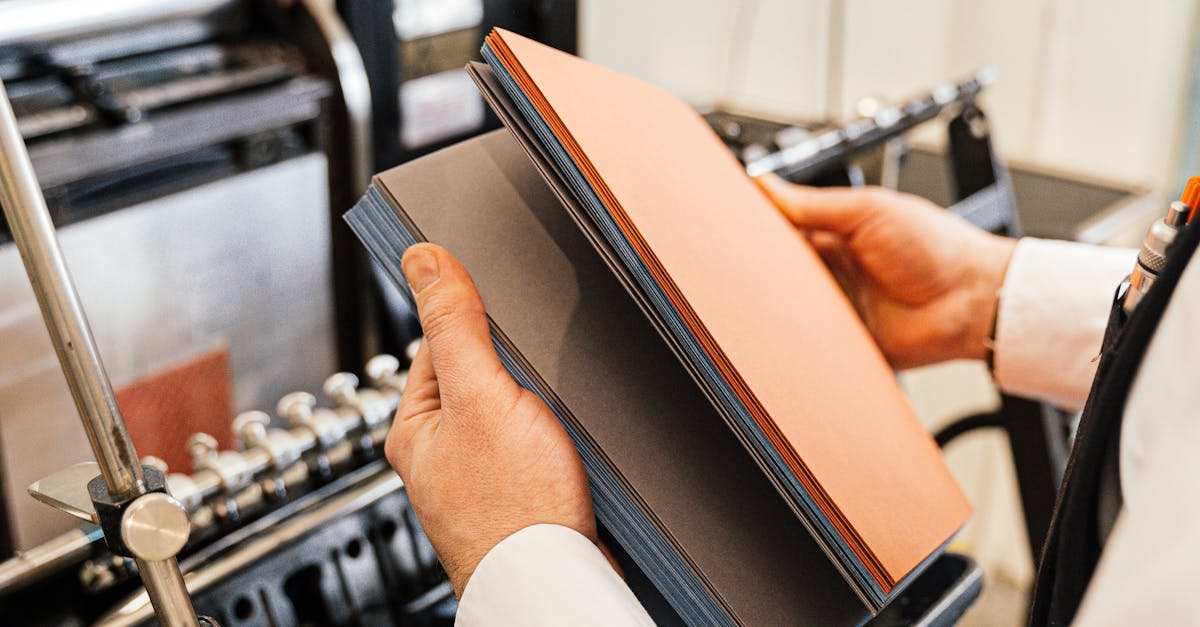
What Is Printing and Types of Printing – The Stuff Nobody Explains Properly
I'll be honest with you. Before I joined this industry, I thought printing was one thing. Ink on paper. Done. Then I spent a week on the factory floor and realized I knew absolutely nothing.
There are maybe a dozen ways to put ink on paper. Each one changes what the final product looks like, how much it costs, and how long it lasts. If you're ordering corporate diaries or school notebooks in bulk, you need to understand printing and types of printing at least enough to ask the right questions.
At Sri Rama Notebooks, we run three different printing setups depending on the job. Sometimes within the same order. And honestly? Most buyers don't know the difference until something goes wrong.
So let me walk you through it. Not like a textbook. Like someone who's watched a thousand sheets get fed into a machine.
Offset Printing – The Workhorse You've Never Thought About
Offset lithography. That's the full name. Sounds expensive. But this is what 90% of notebook manufacturers use for bulk orders. And for good reason.
Here's how it works. An image gets transferred from a metal plate to a rubber blanket, then onto the paper. The plate never touches the paper directly. That's the “offset” part. And the rubber blanket gives a softer contact, which means cleaner, sharper output.
Why we use it for notebooks
Offset printing is the best option when you're printing the same thing thousands of times. The setup takes time — making plates, aligning colors, calibrating pressure. But once it's running? It moves fast. And the cost per unit drops significantly after the first few hundred copies.
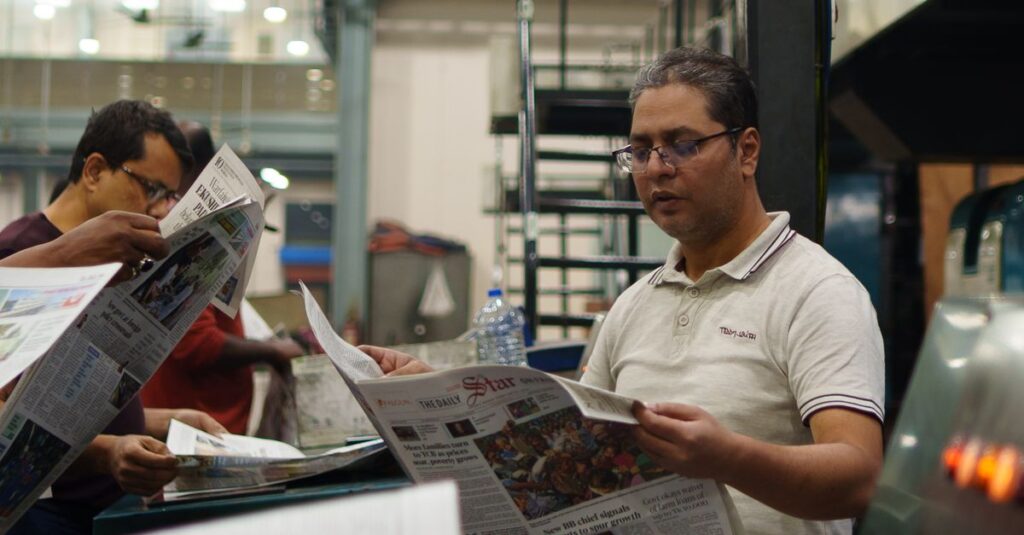
At our factory in Rajahmundry, we run offset for most of our 30,000–40,000 daily units. School notebooks with the same cover design. Account books with standard ruling. That kind of thing.
Where it falls short
- You can't easily change the design mid-run
- Small quantities (under 500) are not cost-effective
- Color matching takes skill — and experience
One thing I notice: people assume offset is outdated. It's not. It's reliable. There's a reason it's been the industry standard for over a century.
Digital Printing – Fast, Flexible, and a Bit Expensive Per Piece
Digital printing doesn't use plates. It sends the image directly from a computer to the printer. Like your office printer. But bigger. Much bigger.
For notebook covers, especially customized ones with logos or variable data, digital printing is the go-to. Need 100 diaries with different names on each cover? Digital. Need 50 copies of a custom notebook for a corporate event? Digital.
Real-life micro-story
Ramesh, 38, works as a procurement manager for a tech company in Hyderabad. He needed 200 branded notebooks for a product launch. Different cover colors per department. Three weeks to delivery. He almost ordered from a local shop that used only offset — would've taken a month and cost more.
He called us instead. We ran digital for the covers, offset for the inner pages. Job done in 12 days. He called back a week later asking if we could do the same for their annual report.
Digital vs Offset – Quick Comparison
| Factor | Offset Printing | Digital Printing |
|---|---|---|
| Setup cost | High (plates, alignment) | Low (no plates needed) |
| Per-unit cost at volume | Very low | Medium |
| Best for quantity | 500+ copies | 1–500 copies |
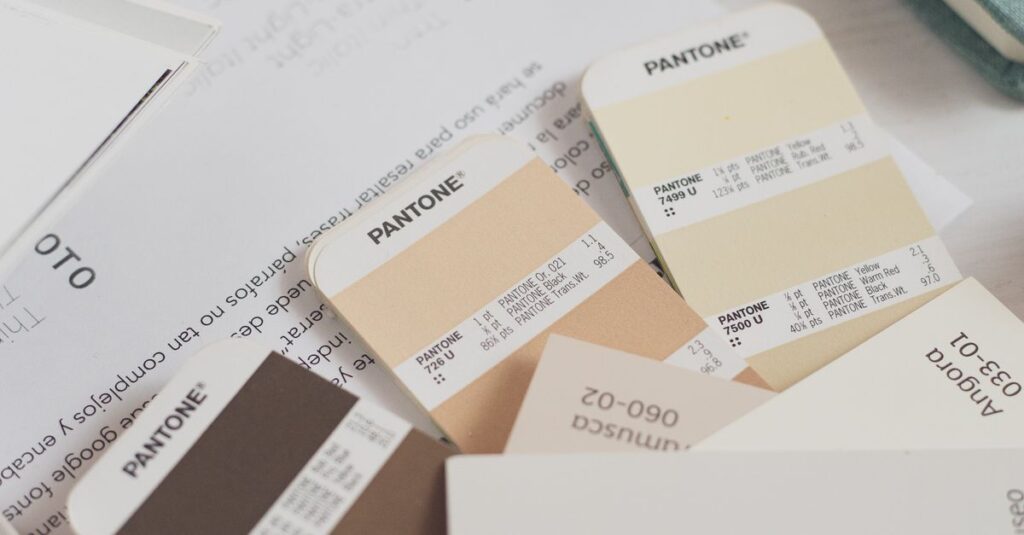
| Color accuracy | Excellent (Pantone matching) | Good (but varies by machine) |
| Turnaround for small runs | Slow (setup dominates) | Fast (ready to print immediately) |
| Customization per piece | Not practical | Easy (variable data possible) |
Expert Insight
I remember talking to an old press operator — he's been running offset machines since the 90s. He told me something I still think about. “Digital is fast,” he said. “But fast doesn't mean good. It means quick.”
He wasn't dismissing digital. He was saying that each method has a place. Offset for consistency at scale. Digital for flexibility. The trick is knowing which one fits the job. Most people guess. We don't.
Letterpress and Screen Printing – The Ones You Don't See Every Day
Letterpress is old. Like, 15th-century old. But it's not dead. In fact, it's having a quiet comeback for premium products. The ink sits on top of the paper — you can feel it with your finger. It's not flat like offset or digital.
We use letterpress occasionally for embossed covers or foil stamping on corporate diaries. It gives a tactile quality that looks expensive. Because it is expensive.
Screen printing, on the other hand, is for when the surface isn't flat. Notebook covers with textured finishes. Plastic folders. Cloth-bound diaries. A mesh screen pushes ink through a stencil onto the material. Slow. Manual. But nothing else works for certain textures.
When you'd actually use these
Honestly? Most buyers never need letterpress or screen printing. They're niche. But if you're a corporate client wanting your logo embossed on a leather-bound diary? Letterpress is probably the answer. If you want white ink on a dark cover? Screen printing handles that better than offset.
These methods add 20–30% to production time. Just so you know.
Gravure and Flexography – The Industrial Giants
I almost didn't include these. Because most notebook buyers won't encounter them. But since we're talking about printing and types of printing, it feels dishonest to skip them.
Gravure uses a cylinder engraved with tiny cells that hold ink. It's used for very high volumes — magazines, catalogues, packaging. The setup cost is enormous. But at runs of 100,000+, the cost per piece becomes laughably low.
Flexography is similar but uses flexible rubber plates. It's common for printing on packaging materials, plastic, and cardboard. If you buy a notebook that comes in a printed box, that box was probably done on a flexo press.
Neither method makes sense for notebooks themselves. But they're part of the broader picture.
Which Printing Type Should You Choose?
There's no single answer. I know that's frustrating. But here's the thing — the right choice depends on three things.
First: quantity. Under 500 copies? Go digital. Over 2,000? Offset will save you money. Between 500 and 2,000? Do the math. Sometimes digital wins if you need fast turnaround.
Second: customization. If every notebook needs a unique element — names, dates, codes — digital is your only option. Offset can't do variable data without massive rework.
Third: finish quality. If you need exact Pantone color matching or a premium feel, offset or letterpress will deliver. Digital is good but not as precise for specific brand colors.
What most people get wrong
They think the printing method determines quality. It doesn't. The press operator, the paper quality, the ink, and the maintenance of the machine — those determine quality. I've seen gorgeous prints come off a 20-year-old offset press. And I've seen muddy, blotchy prints from a brand-new digital machine that wasn't calibrated properly.
So don't fixate on the method. Fixate on the result. Ask for samples. Check the registration, the color density, the sharpness of text. If the sample looks good, the method doesn't matter.
Frequently Asked Questions
What is the difference between offset and digital printing?
Offset uses metal plates and transfers ink indirectly to paper. Digital prints directly from a computer file. Offset is cheaper for large quantities. Digital is faster for small runs and allows customization per piece.
Which printing type is best for notebook covers?
Offset is standard for bulk orders of notebook covers because it gives consistent color. Digital works better for short runs or when each cover has a different design. For premium finishes, letterpress or foil stamping adds a tactile look.
Can you mix printing and types of printing in one notebook?
Yes. Many manufacturers print inner pages using offset for speed and cost, while covers are done digitally or with letterpress for quality. This hybrid approach balances cost and finish.
What quantity makes offset printing cheaper than digital?
Typically above 500–1,000 copies. Offset has higher setup costs but lower per-unit cost. The breakeven point varies by printer and job complexity. Always ask for both quotes before deciding.
Is digital printing quality as good as offset?
Modern digital presses produce excellent quality. But offset still wins for color accuracy, sharp text, and consistency across a long run. For most notebook applications, both are acceptable.
Final Thoughts
I've been writing about printing and types of printing for most of this article. But here's what I really want you to take away.
Printing is not magic. It's a manufacturing process with trade-offs. Offset gives you scale. Digital gives you flexibility. Letterpress gives you prestige. None is universally better.
The best approach? Talk to someone who actually runs the machines. Not a sales rep. A production person. Ask them what they'd recommend for your specific order. And if they hesitate — call someone else.
We've been doing this since 1985. We've made every mistake you can imagine. Maybe that's why we don't make them anymore. If you're ordering notebooks or diaries in bulk, Sri Rama Notebooks probably has the right setup for your job.