

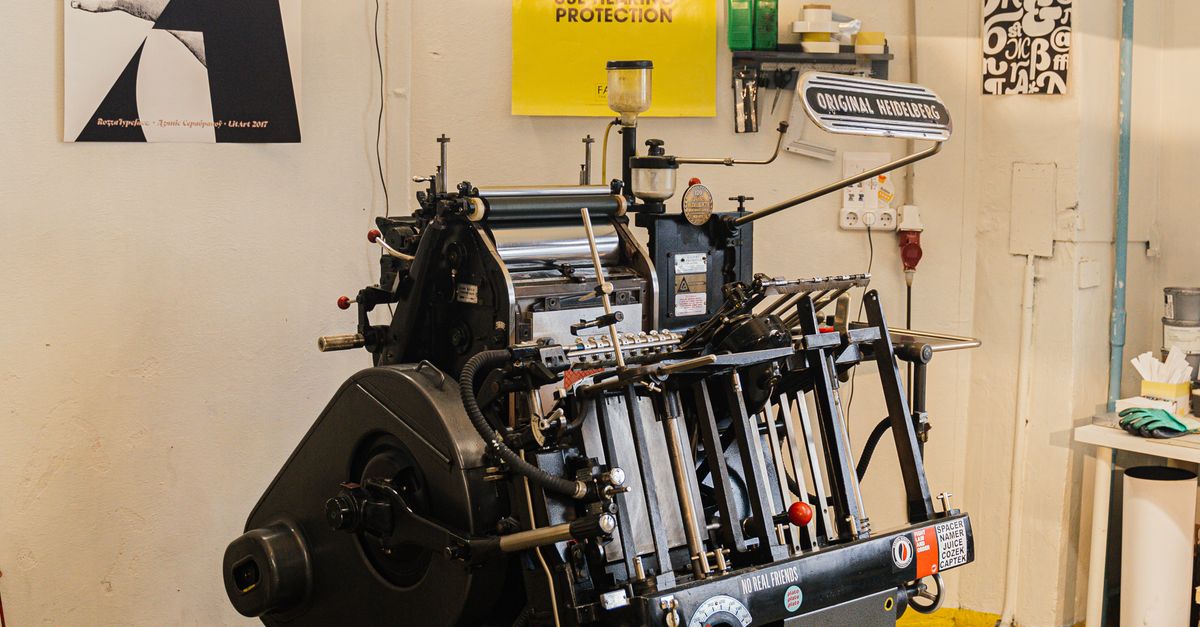
What Exactly Is a Color Printing Press?
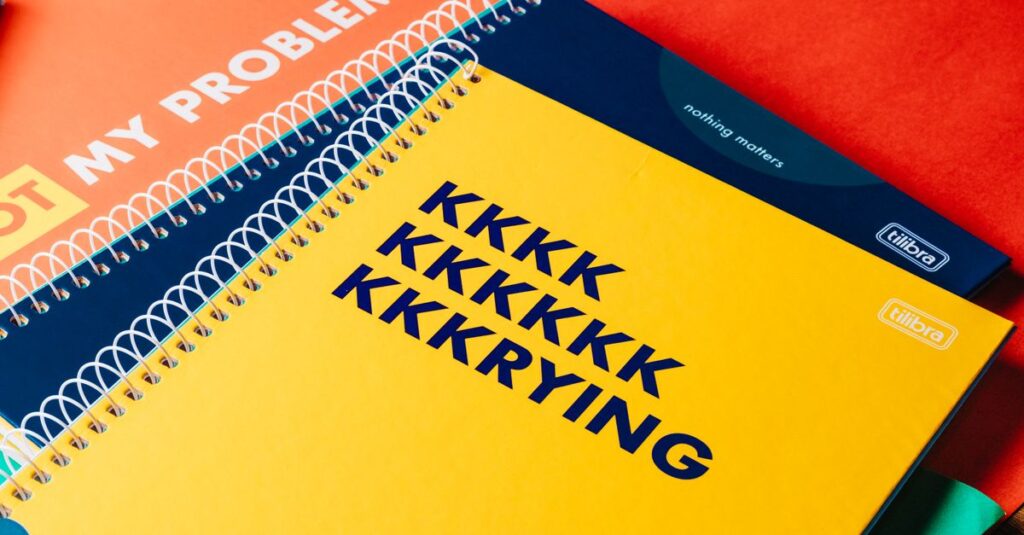
I'll be honest — most people don't think about the machine that prints their notebook covers. They just want it to look good. Bright. Sharp. Not blurry or faded.
A color printing press is basically the workhorse that takes your design — a logo, a school crest, some fancy artwork — and transfers it onto paper or cardboard. At scale. Fast.
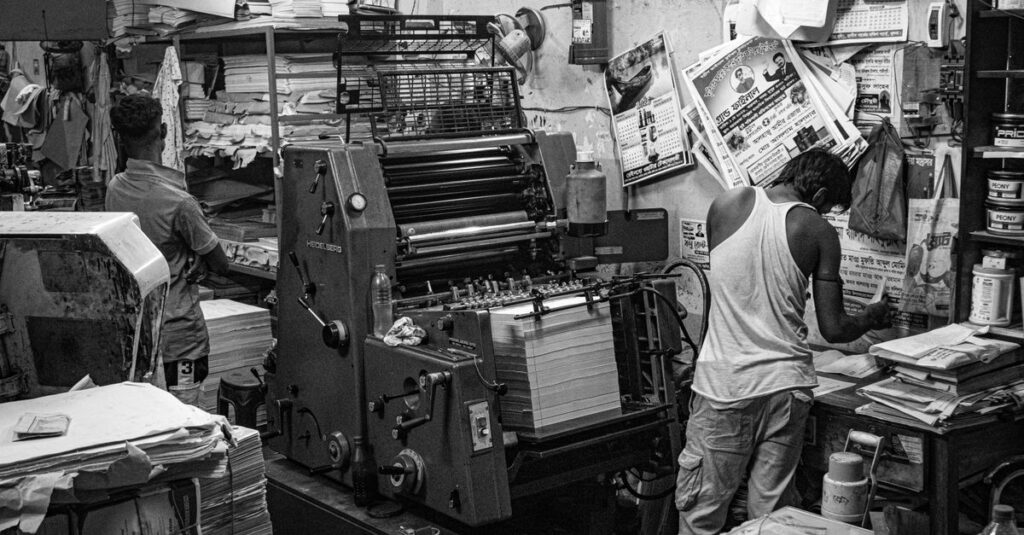
We've been using these presses at Sri Rama Notebooks since the 80s. The tech has changed. The principle hasn't.
Here's the simplest way to think about it: a color printing press applies multiple layers of ink — cyan, magenta, yellow, black — in precise alignment. The result is every color your eye can see. Or at least, every color your budget allows.
Because here's the thing nobody tells you: not all color presses are the same. And the difference shows up on your notebook cover.
How a Modern Color Printing Press Actually Works
You can skip this part if you don't care about the mechanics. But if you're buying ten thousand notebooks — maybe pay attention.
The Basic Process
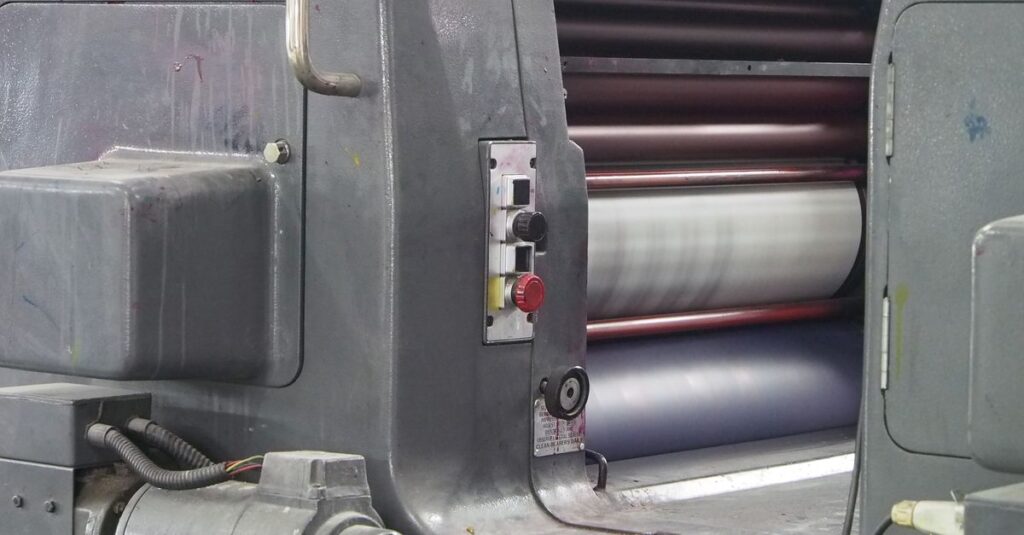
Paper feeds through a series of cylinders. Each cylinder carries one color. The paper passes through all four. The image builds up, layer by layer.
It happens fast. Like, embarrassingly fast. A good operator can run thousands of sheets per hour. But speed means nothing if the registration is off.
Registration — that's the term for keeping all four colors aligned. If the magenta is half a millimeter off, you'll see it. Ghost images. Fuzzy borders. The kind of printing that looks cheap even before you touch it.
I've watched press operators spend 20 minutes adjusting a single cylinder. Tweaking it by fractions of a millimeter. Most people don't notice that work. They just notice when it's wrong.
Key Components That Matter
- Ink units — one per color, usually four or more
- Dampening system — keeps the non-image areas clean
- Plate cylinders — where the image is transferred from
- Blanket cylinder — the rubber layer that actually touches the paper
- Impression cylinder — applies pressure for clean transfer
That's the simplified version. The real machine is louder, bigger, and messier than you're imagining. And honestly? That's fine. It's supposed to be.
Color Printing Press vs Digital Printing — The Table You Need
I deal with this question every week. A client calls and says: 'Why can't you just use digital?' And I explain — it depends on what you need.
| Factor | Color Printing Press | Digital Printing |
|---|---|---|
| Best for | Large runs (1000+ units) | Short runs (under 500) |
| Cost per unit | Drops significantly at scale | Higher, but no setup fees |
| Setup time | 30-60 minutes | 5 minutes |
| Color accuracy | Superior — Pantone matching possible | Good, but can vary between runs |
| Paper options | Almost anything — textured, coated, thick | Limited by what the machine handles |
| Long-term durability | Ink bonds to the paper fibers | Toner sits on the surface |
| Initial investment | High — but justified for volume | Low entry point |
So which one is better? Depends on your order size. If you're ordering 50 custom diaries for a small team — go digital. If you're ordering 10,000 notebooks for a school district — you want a color printing press. Not even a question.
Expert Insight — What I've Learned From Watching Presses Run
I've been in this factory long enough to know that the press doesn't care about your deadline.
I remember standing next to an older press operator — must have been in his 60s then. He was running a batch of covers for a corporate order. The color was off. Slightly. He stopped the press. Wiped the plate. Ran three sheets through. Wiped again.
I asked him how long it would take to fix. He said: 'However long it takes.'
That's the thing about a color printing press. The machine doesn't work alone. It needs someone who knows when to stop. When to push. When to scrap ten sheets and start over.
I don't think you can teach that in a manual. It comes from years of getting it wrong first.
What Makes a Good Color Print — And What Doesn't
I've seen enough bad printing to write a whole other article. Let me give you the short version.
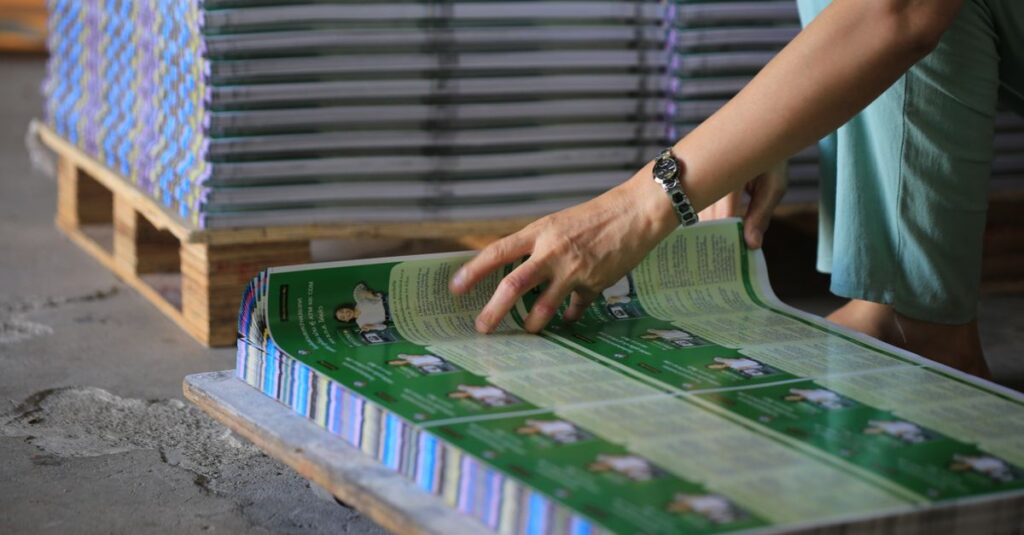
A good color print has three things:
- Sharp edges — no bleeding between colors
- Consistent density — no light spots or streaks
- Accurate color — it matches the proof you approved
Bad printing? Oh, you'll know. Colors look washed out. Text is hard to read. The logo on the cover looks like someone sneezed halfway through the print run.
I've seen orders come back from other manufacturers — places that promised 'high quality' and delivered a mess. The customer ends up paying twice. Once for the bad print. Again for the reprint.
That's not a good business model. But it happens more than you think.
Anyway. Where was I. Right — the press itself isn't magic. It's a tool. The quality depends on three things: the machine, the operator, and the materials you feed it. Cheap paper + rushed operator = bad result every time.
A Real Story — What Happens When the Color Printing Press Goes Wrong
Let me tell you about Rajesh. He's 42. Runs procurement for a chain of schools near Vijayawada.
Last year, he ordered 8,000 notebooks from a new supplier. The quote was good. The samples looked fine. He approved the final artwork on a Friday afternoon.
Two weeks later, the delivery arrived. The covers were supposed to be deep blue with white text. What came out was a weird purple-ish color with gray text that looked like it was printed by a tired photocopier.
Rajesh had to reject the entire order. The school term started in ten days.
He called me that night. (We'd spoken before, he just went with a cheaper quote.) We rushed 8,000 notebooks in 8 days. The color printing press ran 14-hour shifts. It wasn't ideal. But the covers came out exactly as he approved — deep blue, white text, sharp edges.
The lesson? Not all color presses are the same. And not all operators know what they're doing. Rajesh's first supplier had a newer machine. The operator just didn't know how to set it up properly.
I'm not saying that to sell you something. I'm saying it because it's true.
Frequently Asked Questions
Frequently Asked Questions
What's the difference between offset color printing and digital printing?
Offset uses plates and a color printing press to transfer ink from a blanket cylinder to paper. Digital prints directly from a digital file. Offset is better for large quantities. Digital is faster for small runs. Quality on offset is generally higher for color consistency.
How much does it cost to print on a color printing press?
Cost depends on quantity, paper type, and number of colors. For bulk orders of 1,000+ notebooks, the per-unit cost drops significantly. Setup and plate charges apply once. After that, each additional unit is cheap. That's why large orders make more sense on a color printing press.
What kind of paper works best with a color printing press?
Coated paper gives the sharpest results. Uncoated paper absorbs more ink, making colors look slightly duller. For notebook covers, 200-300 GSM coated stock is standard. For inner pages, 54-70 GSM uncoated writing paper works fine. The press can handle both.
How long does a color printing press last?
A well-maintained press can run 20-30 years. We have machines from the early 90s that still run daily. The key is regular maintenance and replacing parts before they fail. A good press operator extends the machine's life more than any service technician can.
Can I match my brand's exact color on a color printing press?
Yes. That's one of the main advantages of offset printing. With Pantone Matching System (PMS), we can mix specific inks to match your brand color exactly. Digital presses rely on CMYK only, which limits color matching. For corporate branding, offset with PMS is the better choice.
Conclusion — What to Take Away From This
Three things stick with me when I think about color printing presses.
First, the machine matters less than the person running it. A great operator on an old press beats a rookie on a new one every time. Second, quantity changes everything. Don't use a color press for 50 notebooks. Don't use digital for 10,000. Match the tool to the job.
Third — and I don't have a clean way to put this — quality is boring until it's missing. Nobody praises good color registration. But everyone notices when it's off.
I don't think there's one right answer for every printing job. Probably there isn't. But if you're ordering in bulk and you need consistent, sharp color — there's really only one way to do it right.
If you want to talk through your next order — or just ask more questions about how a color printing press works — the door's open.