

Offset Printing: The Workhorse of Notebook Factories
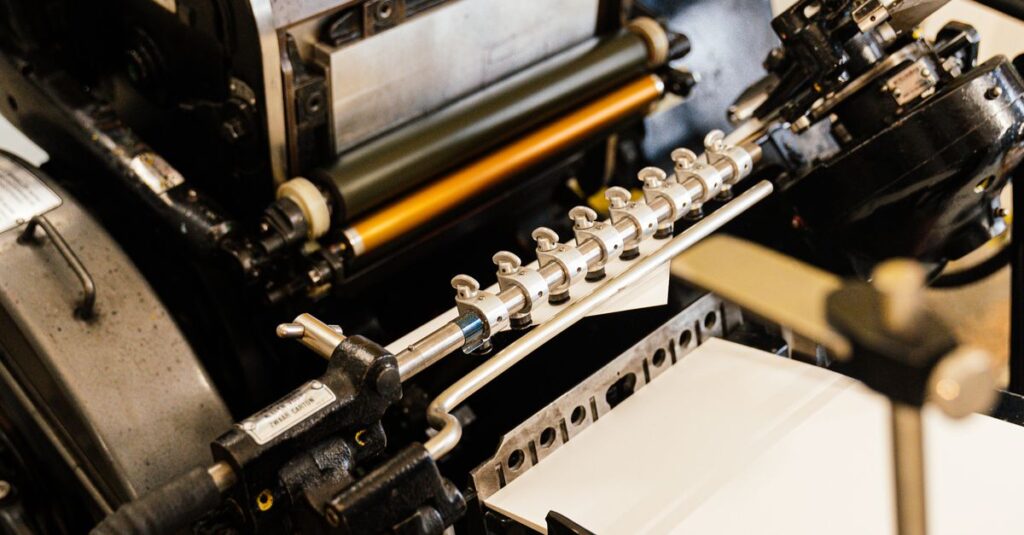
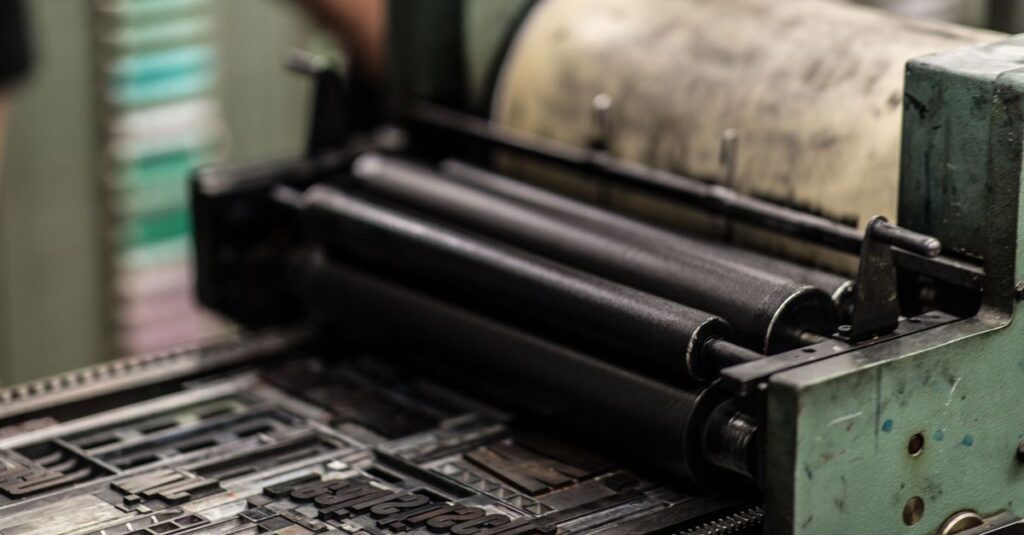
You've seen those giant offset printing machines in videos. They're loud. They're fast. And they're the backbone of notebook manufacturing. Here's how they work: a metal plate carries the design, gets inked, and transfers the image to a rubber blanket. That blanket then presses onto the paper. One pass per color. Four passes for full color. That's CMYK.
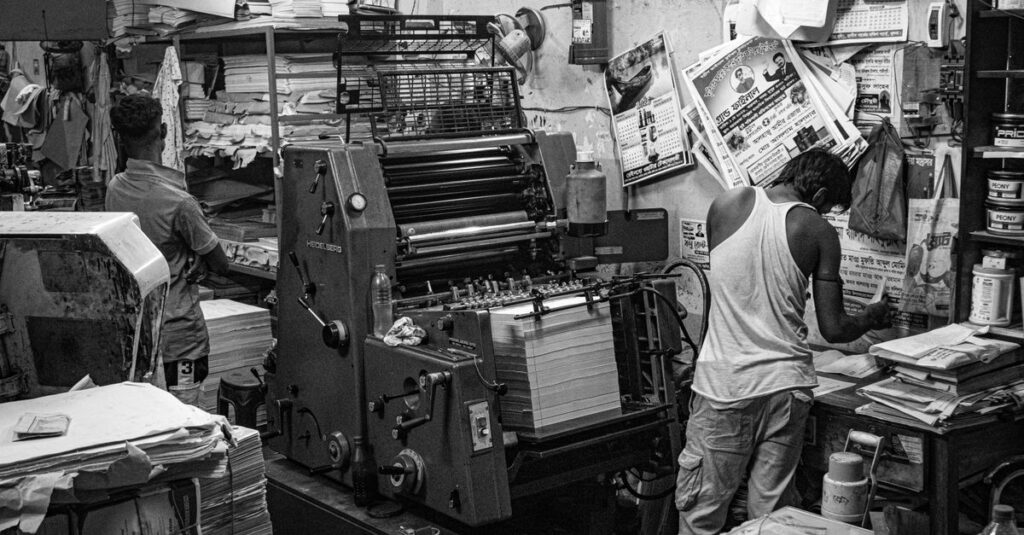
I remember talking to Rajesh, 52, a press operator in Rajahmundry. He said, "The machine doesn't care if you're tired. It just runs." He's been doing this for 30 years. And he's right. These machines don't stop for anything except paper jams and lunch.
Key Components
- Plate cylinder – holds the image
- Blanket cylinder – transfers ink
- Impression cylinder – presses paper against blanket
- Ink rollers – distribute ink evenly
- Dampening rollers – keep non-image areas water-receptive
The speed? Some machines hit 15,000 sheets per hour. That's 250 sheets a minute. If you're ordering 50,000 notebooks, that's a few hours of printing. Not counting drying, cutting, binding. But still. Fast.
Digital Printing: When Speed and Customization Matter
Not every notebook order needs offset printing. If you need just 500 custom notebooks for a conference, offset setup costs kill the budget. That's where digital printing comes in. No plates. No long setup. The design goes straight from computer to printer. But there's a catch – the cost per page is higher for long runs. So for 10,000+ notebooks, offset wins. For 500-2000, digital makes sense.
A few months ago, I met Priya, 35, who runs a small stationery store in Visakhapatnam. She needed 1,000 notebooks with her store's name on each cover. Offset would have taken weeks and cost too much. We used digital printing. She got her notebooks in 5 days. She still orders from us.
Offset vs Digital Printing: Which One for Your Notebook Order?
| Feature | Offset Printing | Digital Printing |
|---|---|---|
| Speed for large runs | Fast (15,000+ sheets/hour) | Slower (2,000-5,000 sheets/hour) |
| Setup cost | High (plate making) | Low (no plates) |
| Cost per unit (10,000+ copies) | Very low | Higher |
| Color accuracy | Excellent (pantone match) | Good (CMYK only) |
| Best for | Long runs, consistent design | Short runs, variable data |
The Printing Process Step by Step
From design to finished notebook, here's what happens.
- Design and pre-press – artwork is prepared, color separated, plates made (offset) or file prepared (digital).
- Printing – the machine runs the sheets.
- Drying – ink needs to set. Some machines have dryers built in.
- Cutting – printed sheets are cut to notebook size.
- Folding and collating – pages are folded and gathered.
- Binding – stitched, spiral, or perfect binding.
- Cover application – covers are printed separately and attached.
- Trimming – final cut to clean edges.
- Packaging.
Expert Insight
I was reading a printing trade magazine last month – can't remember the name – and one line stuck with me: 'Ink is just pigment. Pressure is what makes it permanent.' Don't know who said it, but it's true. The pressure from the blanket cylinder determines whether the ink holds or smudges. And if you're ordering printed notebooks, that pressure consistency is what makes the difference between crisp and blurry.
Quality Control: What Matters After the Machine Stops
Printing isn't just about laying ink on paper. You need consistency. Every sheet must look the same. Color density checked with a densitometer. Registration marks verify alignment. Paper must have the right moisture content or it curls.
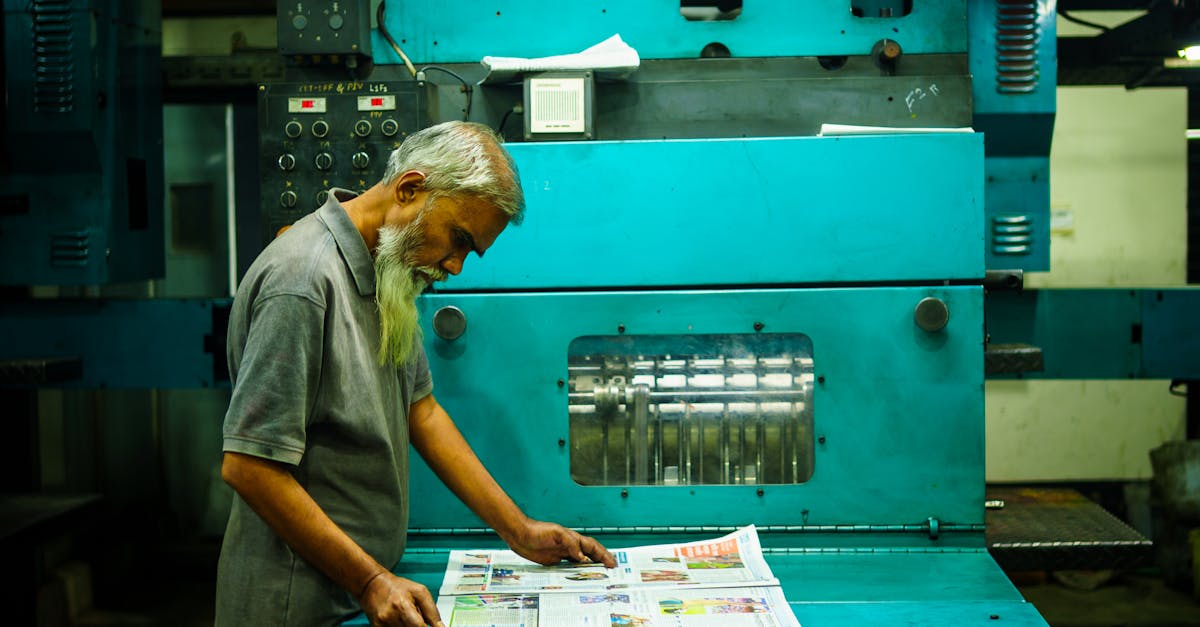
I watched the operator pick up a sheet. Held it to the light. Squinted. Put it down. Didn't say a word. Just moved on. That's experience. At our printing services, we check every batch. Not because we have to. Because one bad batch ruins a reputation.
That's it. Not complicated. But crucial.
Common Mistakes When Ordering Printed Notebooks
People mess up. Here are the biggest ones I've seen.
- Choosing paper that's too thin – ink bleeds through.
- Not accounting for bleed area – logos cut off at the edge.
- Skipping a proof – you get what you get.
- Ordering too few and paying per-unit through the roof.
- Not understanding the file requirements – some machines need CMYK, not RGB.
If you avoid these, your order goes smoothly. And honestly? Most of these are easy fixes once you know they exist.
Why Understanding the Machine Helps You Order Smarter
When you know how commercial printing machines work, you make better decisions. You know why offset is cheaper for large runs. You know why digital is faster for small orders. You know what paper weights work. And you stop guessing. That's the real benefit. Not some technical knowledge. Just being an informed buyer.
The thing is – I don't think there's one perfect method. Probably there isn't. But understanding the process saves time, money, and headaches. That's worth something.
Frequently Asked Questions
What is the difference between offset and digital printing for notebooks?
Offset printing uses metal plates and is ideal for large runs – typically 2,000+ notebooks. Digital printing requires no plates and works best for smaller quantities under 1,000. Offset gives lower per-unit cost for volume, while digital offers faster turnaround and variable data personalization.
How long does it take to print 10,000 notebooks?
Printing 10,000 notebooks usually takes 2-3 days for the printing itself, plus 3-5 days for binding and finishing. Total lead time: 7-10 working days depending on complexity. Custom covers and special binding can add time.
Can commercial printing machines print on any paper?
Not exactly. Each machine has a paper thickness range – typically 50-400 GSM. Offset works best with coated or uncoated paper, while digital printers may require specially treated paper to hold ink. Always check with your manufacturer before choosing paper.
How many colors can a commercial printing machine print?
Standard offset machines print 4 colors (CMYK) in one pass. Some have additional stations for spot colors or metallic ink. Digital printers also use CMYK, but some can add white ink for dark papers. Pantone colors are possible with offset only.
What is a print bleed and why does it matter?
Bleed is the extra area beyond the trim line where ink extends. Without bleed, a slight cutting shift leaves a white edge. For notebooks, we recommend 3mm bleed on all sides. It ensures full-bleed designs reach the edge without white lines.
I don't think there's one perfect printing method. Probably there isn't. But if you understand how commercial printing machines work in notebook factories, you'll make better decisions. You'll order the right quantity, choose the right method, and avoid expensive mistakes. And that's the only thing that matters. If you're planning a bulk notebook order, contact Sri Rama Notebooks. We've been doing this since 1985. We know the machines. We know the paper. We know what works.