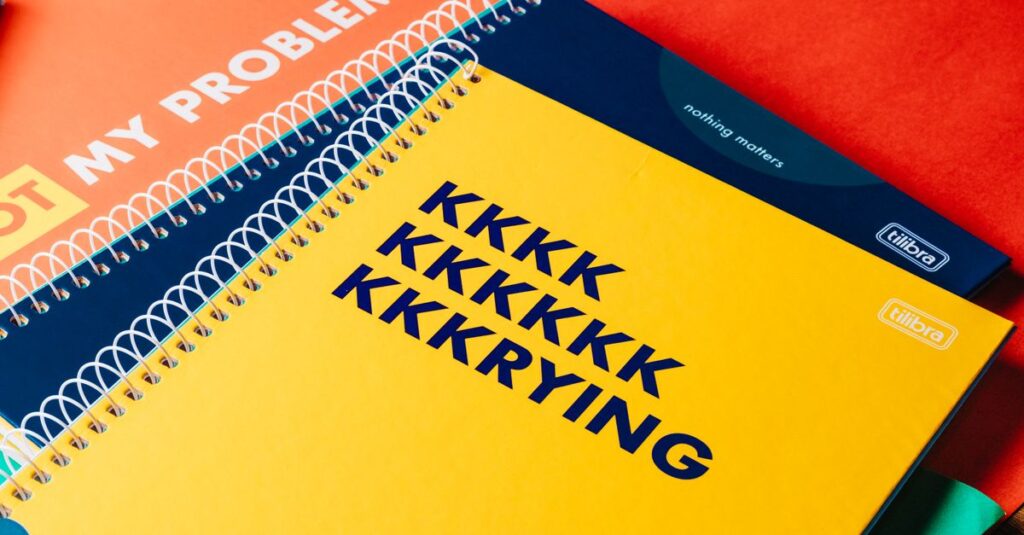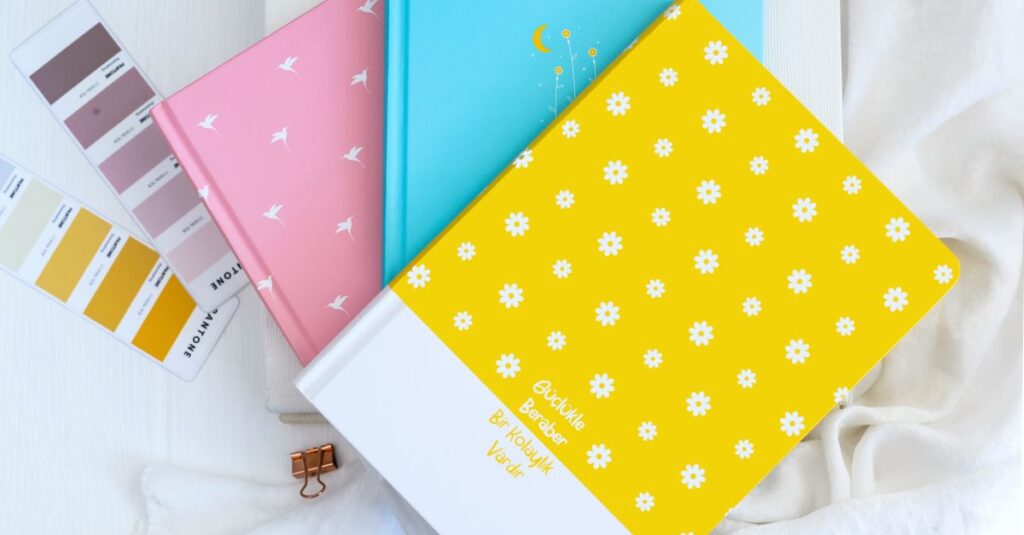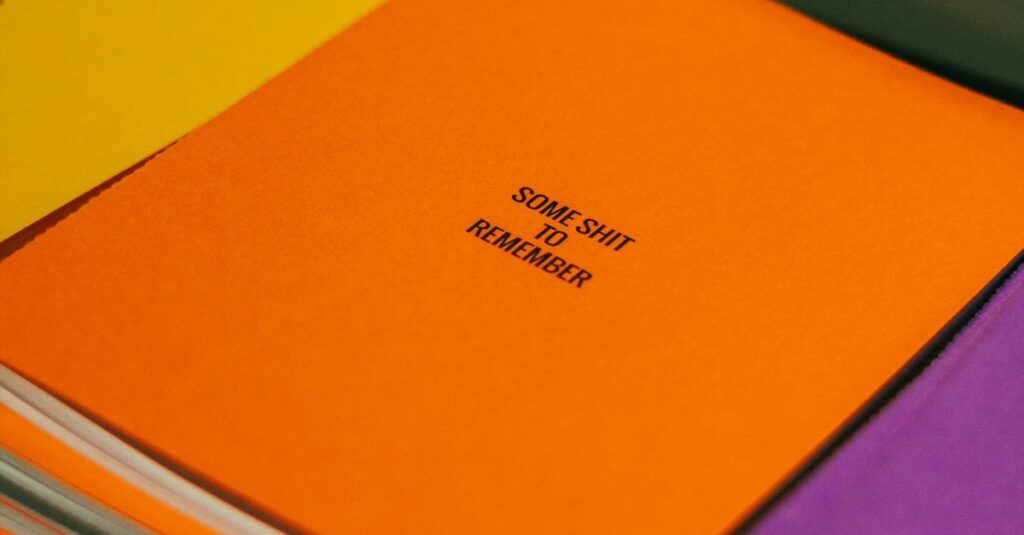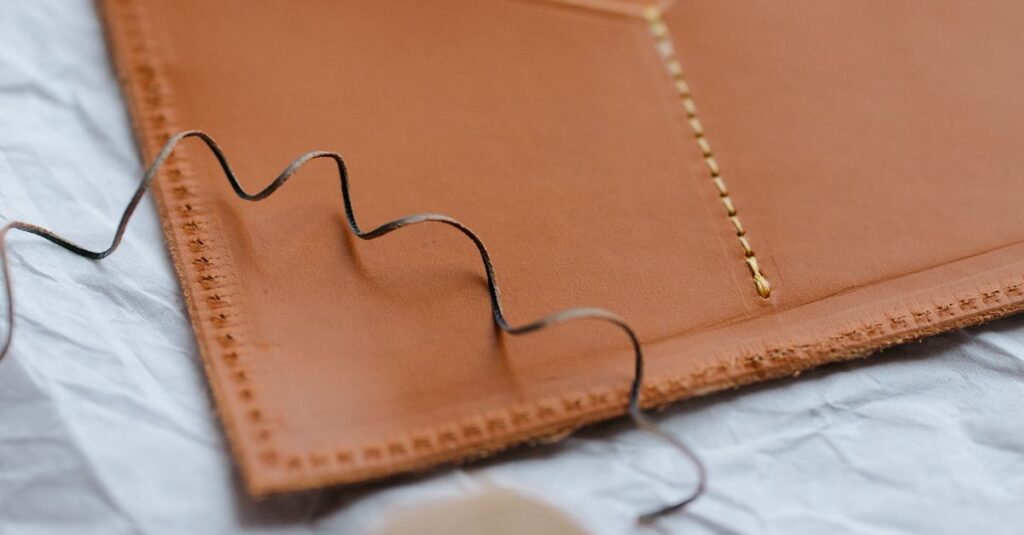


Why Print Designs Matter More Than People Think
Let me tell you something that might sound obvious but isn’t. Most people buying notebooks in bulk — schools, corporate offices, distributors — they think print designs are just about making things look pretty. That's wrong.
I've been in this industry long enough to know. Print designs on a notebook cover are the first thing a student or an employee sees every single day. It's not decoration. It's communication.
A bad design makes your brand look cheap. A good one? It makes people actually want to use the notebook. And when people use it, they see your name hundreds of times. That's not marketing spin. That's just how attention works.
If you're ordering custom notebooks and wondering what kind of print designs actually work for bulk orders, you're in the right place. We make about 30,000 to 40,000 notebooks a day at Sri Rama Notebooks, and I can tell you what holds up and what doesn't.
What Are Print Designs in Notebook Manufacturing?
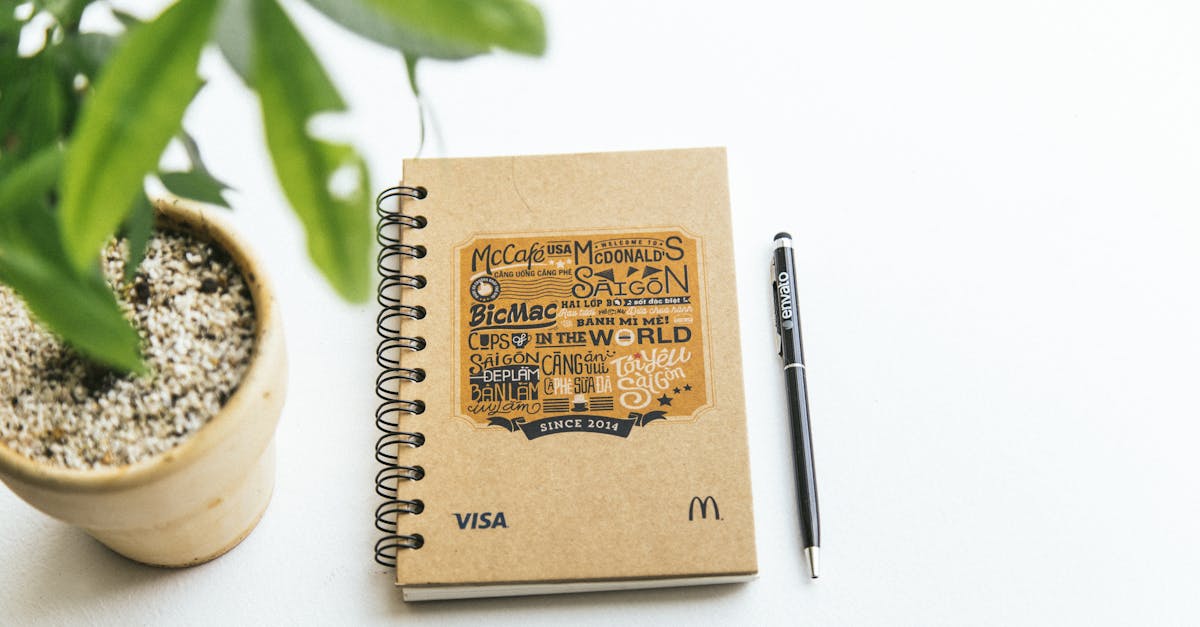
Here's the simple version. Print designs are the graphics, text, and artwork on the cover of a notebook. Sometimes they include the back cover too. Sometimes there's printing inside on the first page.
But in manufacturing terms, it's more specific. It means:
- The layout of text and images on the cover board
- The colors used (spot colors vs full CMYK)
- The finish — matte lamination, glossy, or no lamination
- Special effects like embossing, foil stamping, or spot UV
The thing is, “print designs” sounds like a simple topic. But when you're ordering 10,000 notebooks for a school or a corporate event, small decisions about design can save you money or cost you double.
And I don't mean just the obvious stuff like “don't use too many colors.” It's the things nobody tells you until after you've already approved a design and the factory has cut the boards.
Offset vs Digital Print Designs
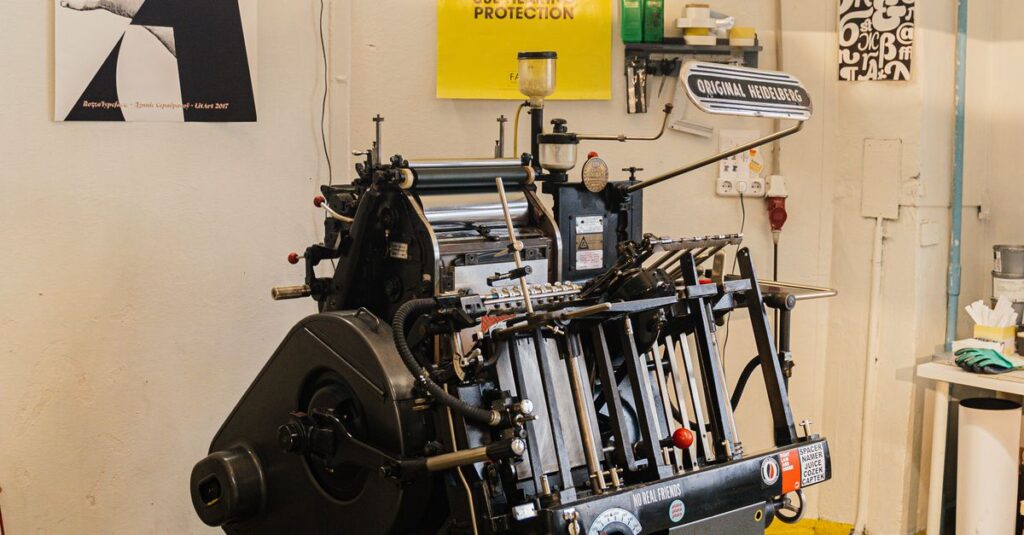
There are two main ways to print designs on notebook covers. Offset printing is the traditional method — plates are made, and it's best for large runs. Digital printing is newer, good for small batches and quick changes.
For bulk orders, offset is almost always cheaper per unit. But digital lets you test a design before committing to thousands.
I think — and I could be wrong about this — but nine times out of ten, buyers who go digital for a test run end up sticking with offset for the main order. Because the quality difference is real when you hold both in your hands.
Types of Print Designs for Notebook Covers
This is where most buyers get confused. They see a sample from one manufacturer and think all print designs are the same. Not even close.
At our factory, we categorize print designs into four broad types:
| Design Type | Best For | Average Cost (per unit, bulk) | Durability |
|---|---|---|---|
| Single color logo print | Schools, budget orders | Low | Good |
| Full color CMYK design | Corporate diaries, premium notebooks | Medium | Very good with lamination |
| Foil stamped design | Corporate gifts, executive diaries | High | Excellent |
| Embossed + printed design | Luxury brands, high-end stationery | Highest | Excellent |
Each type has trade-offs. Single color prints are cheap but don't stand out. Full color looks great but fades without lamination. Foil stamping and embossing feel premium but take longer to produce.
The trick is matching the design to the audience. A school notebook for 5th graders doesn't need foil stamping. A corporate diary for a CEO absolutely does.
Real Micro-Story: The School That Changed Its Print Design and Saved Money
A school in Vijayawada — I'm not naming them because I don't have permission — but the procurement head, a guy named Ravi, called me three years ago. He was frustrated. The previous year's notebooks had a full-color photographic design on the cover. Looked amazing in the sample. But in the actual notebooks? The colors bled, the image was pixelated, and kids were peeling the lamination within two months.
He asked if we could do something simpler. We suggested a two-color design with a solid background and bold text. No photo. No gradients. Just clean block colors.
The result? Cost dropped by 25%. Parents complained less. Kids actually liked the covers because they could personalize them with stickers. And the school ordered again the next year. Sometimes less really is more when it comes to print designs.
What Affects the Quality of Print Designs?
Okay, let's get practical. If you're about to approve a print design for your bulk notebook order, here are the things that actually matter.
Paper quality of the cover board. If the board is cheap and porous, the ink soaks in unevenly. The design looks washed out no matter how good the printer is. We use specific GSM cover stock for a reason — it holds the ink on top instead of absorbing it.
Lamination. This is probably the biggest factor nobody talks about. Matte lamination makes colors look muted but feels soft. Glossy lamination makes colors pop but shows scratches. For school notebooks, I always recommend glossy with a thicker film. Kids are rough on things.
Artwork resolution. This one drives me crazy. A buyer sends a logo that's 200 pixels wide because “it looks fine on my screen.” On a printed cover, it looks like a mosaic. We ask for vector files for a reason. If you don't have one, ask your designer to export at 300 DPI minimum.
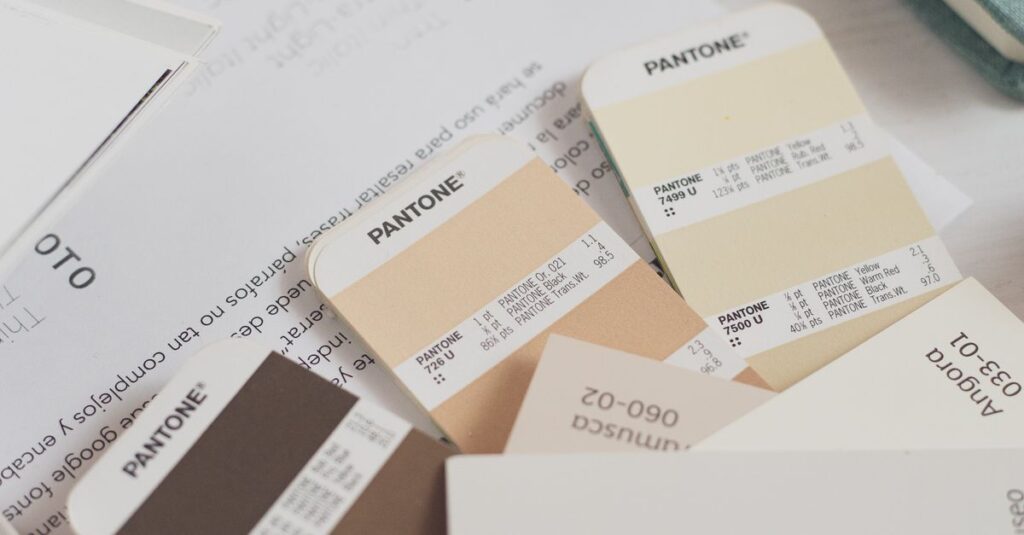
And one more thing — color matching. Screens show colors differently than print. What looks bright blue on your monitor might come out purple on the cover. This is why we always ask for a physical proof before the full run.
Expert Insight
I was in the factory last month, just walking through the printing section. There was this stack of rejected covers — maybe 200 of them. The design was beautiful. Gold foil on deep navy. But the foil hadn't aligned properly on about half of them. It was off by maybe two millimeters.
The production manager said something that stuck with me. He said, “A design is only as good as the person setting up the machine.” And it's true. You can have the most expensive print design in the world, but if the press operator is rushing or the temperature isn't right, the final product will disappoint.
That's the part buyers never see. The human hands behind every sheet.
Common Mistakes When Choosing Print Designs for Bulk Orders
I've seen the same mistakes for years. Here are the big ones, so you don't make them.
- Too many colors. Each additional color in offset printing adds cost. Limit to 2-3 spot colors if your budget is tight.
- Ignoring the spine. A notebook spends half its life on a shelf showing only the spine. If your design doesn't work there, you're missing brand exposure.
- Skipping the proof. I can't count how many times a buyer said “just go ahead, it looks fine on PDF” and then complained after delivery.
- Overcomplicating for small sizes. An A5 notebook cover is tiny. Tiny text and fine details will be unreadable. Keep it bold and simple.
The question isn't whether your print design looks good on a screen. It's whether it looks good at 6am in a classroom under fluorescent lights.
Frequently Asked Questions
Frequently Asked Questions
What file format do I need for print designs on notebooks?
Vector formats like AI, EPS, or PDF are best. They scale without losing quality. If you only have a JPEG, make sure it's at least 300 DPI at the actual print size. Lower resolution will look blurry on the cover.
How many colors should my print design use for bulk notebooks?
For offset printing, 2-3 spot colors keep costs low. Full CMYK (4-color process) is more expensive but allows photographic images. For simple logos, 1-2 colors are usually enough and hold up better over time.
What kind of lamination is best for notebook print designs?
Glossy lamination makes colors vibrant and is more scratch-resistant. Matte lamination looks professional but shows marks more easily. For school notebooks, glossy is better. For corporate diaries, matte looks more premium.
Can I print designs on both the front and back cover?
Yes, but it costs more because it requires a second printing pass. Most bulk orders print on the front cover only. Back cover printing is usually reserved for premium products or when you need extra space for information.
How long does it take to produce custom print designs for notebooks?
After design approval, production takes 2-4 weeks depending on order size and complexity. Simple single-color designs are faster. Foil stamping or embossing adds extra days. Always ask for a timeline before confirming the order.
So What Should You Actually Do About Print Designs?
Look, I don't have a perfect answer for everyone. Every order is different. But here are two things I'm sure about.
First, don't overthink the design. A clean, simple print design with good colors and proper lamination will outperform a complex design that's poorly executed. Second, ask your manufacturer for advice before finalizing. We've seen what works and what doesn't. We can tell you if your font is too small or your color won't match your brand.
The truth is, most buyers spend too much time on the design concept and not enough on the production details. And that's where the real difference lives.
If you're planning a bulk order and want to talk through your print designs, contact Sri Rama Notebooks. We've been doing this since 1985. We probably have a story that matches your situation.