

So, what is “computerized printing” anyway?
Look, you’ve probably seen the term thrown around. “Computerized printing.” “Digital printing.” It sounds modern, maybe a bit technical. But nine times out of ten, when a procurement manager or a school administrator types it into a search bar, they’re not looking for a tech lecture. They’re trying to solve a real, tangible problem: ordering thousands of notebooks for the new academic year, or getting corporate diaries branded right, without the colors bleeding or the logo looking cheap. They need it to be consistent, they need it to be fast, and they need the price to make sense. I’ll just say it — the fancy term is a bit of a catch-all. In our world, notebook manufacturing, it usually boils down to two main things: digital printing for smaller, custom runs, and the more traditional, high-volume offset printing that’s been completely revolutionized by computer technology. Both are “computerized” now. The real question isn’t what the tech is called, but which one gets your job done without headaches or hidden costs.
If you’re sourcing for a school district or looking at custom printing services for your company, this is worth understanding. Not the specs, but the impact on your order.
The Two Faces of Modern Printing (And Which One You Need)
Let’s break it down the way I explain it to clients over the phone. There’s digital printing — think of it like a super-powered, industrial-grade office printer. You send a digital file, and it prints directly onto the paper or cover. No plates, no massive setup. This is where “computerized printing” feels most literal. The computer talks straight to the machine. The benefit? Agility. Want 500 custom notebooks for a conference next month with a unique design on each cover? Done. Changes between batches? Easy. But — and this is a real but — the per-unit cost is higher. The ink sits on top of the paper, which is fine for most things, but if you’re going for that premium, sunk-in feel on a 700-page account book, you might notice the difference.
Expert Insight
I was talking to our head printer, Venkat, last week. Over chai, actually. He’s been running these machines since the 90s. He said something that stuck with me: “The machine is just a tool. The real skill now is in the file you feed it. A bad PDF on a million-dollar press still gives you a bad print.” He’s right. The most computerized part often happens before anything gets printed — in the design and prepress check. Garbage in, garbage out, as they say. No cleaner way to put it.
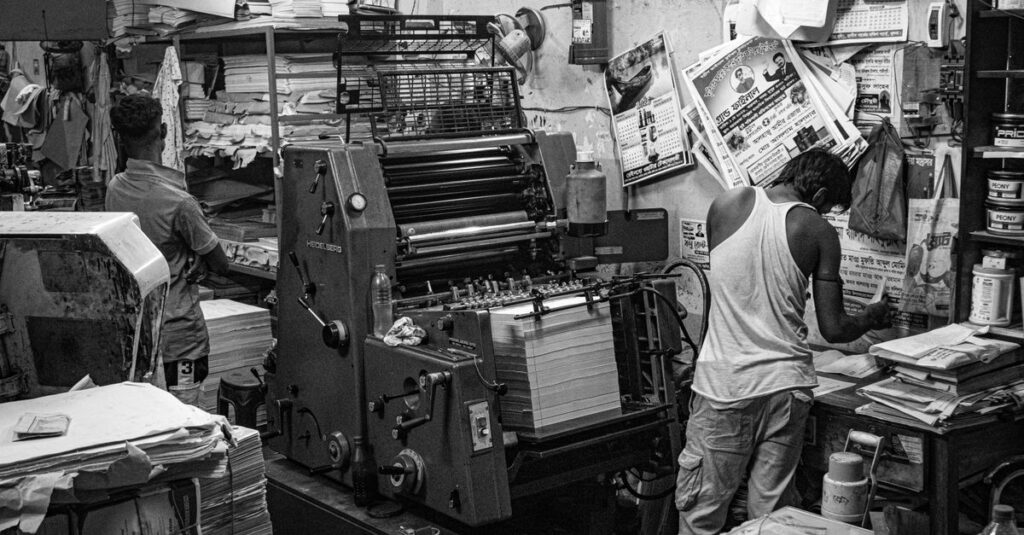
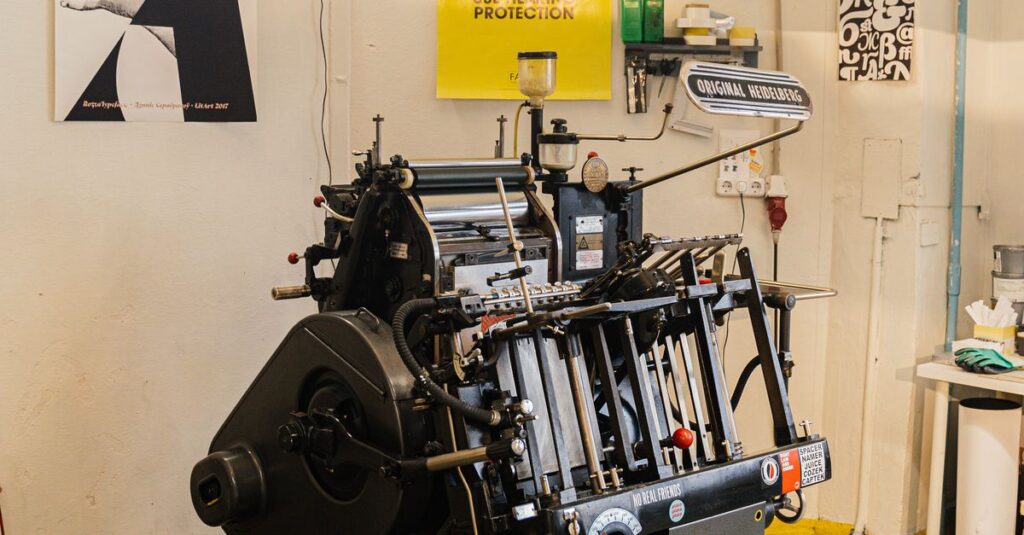
Then there’s offset printing. This is the workhorse for bulk. Here, “computerized” means the process is controlled and calibrated by computers, but it uses plates. It’s less about the computer talking directly to paper, and more about the computer managing an incredibly precise, high-speed traditional process. The setup is longer and more involved. But once it’s running? The cost per notebook plummets. The quality is incredibly consistent, and the ink bonds with the paper differently. It’s the go-to for orders of 10,000 notebooks or more. You get that classic, professional finish. The question you need to answer is simple: Is your priority flexibility or economy of scale?
A Real-Life Snapshot: Getting It Wrong (And Right)
Let me tell you about Arvind. He’s 42, runs procurement for a chain of coaching institutes in Hyderabad. Last year, he needed 20,000 subject-specific notebooks. He got a quote for “computerized digital printing” because it was the new thing. The samples looked great. But when the full order came? The ruling on the pages — the faint grey lines — were inconsistent. Some notebooks had darker lines on the first few pages. Just enough to annoy a student. The issue? Digital printing struggles sometimes with very fine, uniform background elements across thousands of sheets. The machines can have slight variations. He had to send them back. This year, we did his order with computerized offset. The setup took three days longer. But the entire batch was uniform. Every single line, the same. He didn’t call about a quality complaint once.
The lesson here isn’t that one method is bad. It’s that the “best” technology is the one that matches the job’s actual requirements. Not the buzzword.
Paper, Binding, and the Silent Partner in Printing
Here’s the thing — everyone focuses on the print on the cover. Rightfully so. But the paper you’re printing on is the silent partner in this whole operation. You can have the most advanced computerized printing in the world, but if you’re putting it on low-grade, porous 40 GSM paper, the ink will feather. The colors will look dull. It’s like painting on a damp wall. The paper quality dictates the printing outcome as much as the machine itself.
In notebook manufacturing, we standardize around 54 GSM and upwards for writing paper. Why? It gives a smooth surface for the computerized printing heads or plates to lay down crisp text and vibrant colors. It also has enough body to prevent show-through. You don’t want the math on page 3 ghosting through to page 4. When you’re evaluating a manufacturer, ask about the paper GSM first. Then ask how their printing process is calibrated for that specific paper. If they can’t answer that, well. You know.
Binding matters too. Spiral binding lets the notebook lay flat, which is great, but it means the cover design needs to account for the punch holes. Perfect binding gives a clean, book-like spine, perfect for corporate diaries, but the glueing process needs to be precise so the cover doesn’t warp. The printing has to be planned around the binding, not the other way around. It’s all connected.
| Factor | Digital (Direct) Printing | Computerized Offset Printing |
|---|---|---|
| Best For | Short runs, urgent orders, high customization | Long runs, bulk school orders, strict budget |
| Setup Time/Cost | Low / Minimal | High / Significant (amortized over large quantity) |
| Cost Per Unit | Higher | Much lower in bulk |
| Color Consistency | Very good, but can drift in huge batches | Excellent across entire run |
| Paper Feel | Ink sits on surface | Ink is absorbed/offset into paper |
| Ideal Order Size | Up to 2,000 – 5,000 units | 10,000 units and above |
Why This All Matters for You (The Buyer)
Right. Let’s tie this back to you, sitting there with a spreadsheet open, comparing quotes. Understanding the difference between these printing methods isn’t about becoming a printing expert. It’s about asking the right questions to protect your order. It’s about risk management. When you get a quote that just says “computerized printing,” you now know to ask: “Is this digital or offset?” That one question changes everything. It tells the supplier you know the landscape. It pushes them to justify their recommendation based on your needs, not just their available machine time.
Think about it this way. If you’re a stationery distributor testing a new private label notebook design, start with digital. Get 500 made. See how they sell. The low setup cost lets you experiment. If it flies off the shelves, then you scale up with an offset order for the next 50,000. That’s how smart businesses use the technology stack. It’s a ladder. You don’t jump to the top rung for a test.
And for schools and government institutions? Your tender documents should specify offset printing for core textbook notebooks. The consistency across classrooms and years is non-negotiable. The price at volume is unbeatable. For supplementary art books or special project notebooks? Maybe digital is fine. It’s about matching the tool to the task. Every single time. Seeing the full range of options helps make that call clear.
The Human in the Machine (An Unresolved Truth)
I want to end this section with a slight contradiction to what I’ve said before. All this tech — it’s incredible. We can produce 40,000 notebooks a day with precision that would have been magic forty years ago. But. The final check, the one that catches the slightly misaligned cover, the faint streak? That’s still a person. It’s someone like Venkat, with years of ink under their fingernails, looking at the stack coming off the line. The computer controls the process, but the experience knows when the process is lying. We’ve had machines flash green lights on a batch that just… didn’t look right. The operator overrides it. Holds the batch. Checks the calibration. Nine times out of ten, they’re right.
So when you’re choosing a manufacturer, you’re not just buying their machines. You’re buying the team that knows how to listen to them, and when to ignore them. That’s the part of “computerized” they don’t put in the brochure.
Frequently Asked Questions
Is computerized printing more expensive than traditional printing?
It depends on what you mean by “traditional.” Compared to fully manual methods, yes, the initial investment is higher. But for you, the buyer, the cost is about the order size. Computerized digital printing is cost-effective for small, custom runs. Computerized offset printing becomes vastly cheaper per unit for large bulk orders. The setup cost is spread thin.
Can I print full-color photos on notebook covers with computerized printing?
Absolutely. Both digital and offset methods handle full-color process printing brilliantly. Digital is great for photorealistic images on smaller batches. Offset gives you that rich, magazine-quality color consistency for tens of thousands of covers. The key is providing a high-resolution digital file to start with.
What file format is best for computerized notebook printing?
PDF. Always a print-ready PDF. With fonts embedded and high-resolution images (300 DPI). We can work with other formats, but a properly made PDF eliminates 90% of pre-press issues. It’s the universal handshake between your design and our machines.
How long does it take to get a bulk order of printed notebooks?
For a completely new, customized order of, say, 50,000 notebooks? Allow 4-6 weeks. That covers design approval, plate creation for offset, paper sourcing, printing, binding, and quality checks. Rush jobs are possible but stress the system and cost more. For standard school notebooks from an existing design, turnaround can be 2-3 weeks.
Does the ruling on notebook pages affect the printing process?
Yes, in a big way. The pale blue or grey lines on a page are printed first, in a separate pass, often using specialty inks. The precision of computerized printing ensures these lines are straight, uniform, and don’t smudge. The ruling grid is actually one of the most technically demanding parts to print perfectly across hundreds of pages.
Look, here’s the takeaway
Computerized printing isn’t a single magic button. It’s a spectrum of tools. Digital for agility. Offset for scale. Your job is to know which lever to pull for your specific need — whether you’re a corporate manager branding 1,000 executive diaries or a government body sourcing notebooks for an entire district. Ask the direct question: “For my quantity and quality needs, which method are you proposing and why?” The answer tells you everything about your supplier’s expertise.
I don’t think there’s one perfect answer for every order. Probably there isn’t. But if you’ve read this far, you’re not just looking for a vendor; you’re looking for a partner who understands the difference between the tech on the label and the result in the box. That’s the only thing that matters here.
If you’re figuring out the best printing approach for your next bulk notebook order, it might help to talk it through with someone who’s been on the factory floor.